FEATURERuntime Statistics for FunctionsRead more
← Back to Changelog

Approve AI Agent Publish Requests

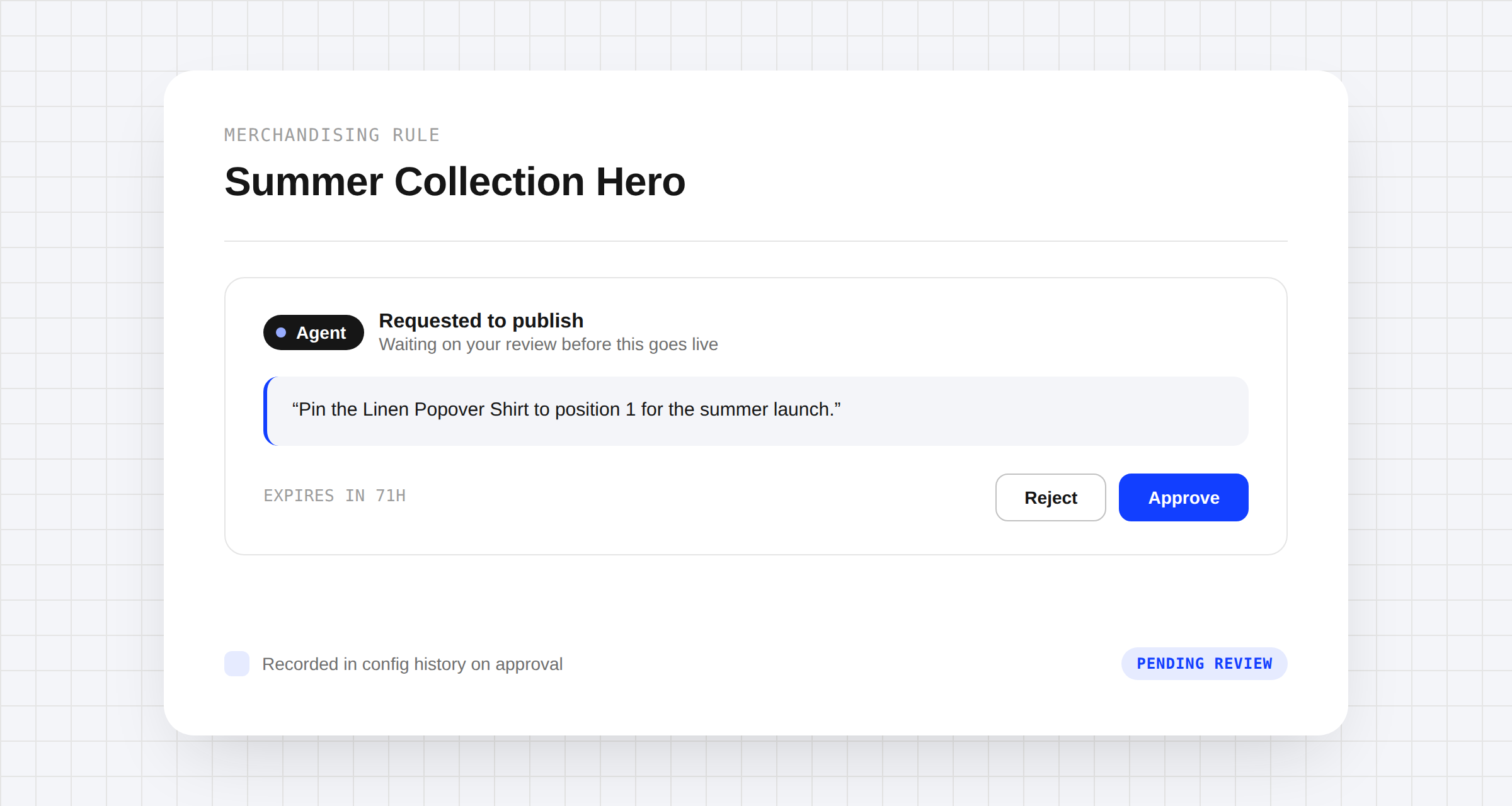
Dashboard inbox notification for a pending AI agent publish request, with Approve and Reject actions in a review modal

MCP-connected agents can now ask for your approval before a merchandising rule change goes live, instead of publishing straight away. When an agent requests to publish, you'll get a notification in your dashboard inbox with a review link — open it to approve or reject before anything reaches your storefront. Approved changes save through the normal publish path with the agent's identity recorded in your config history; rejected ones simply discard the agent's draft, and unanswered requests expire automatically after 72 hours.

Learn more

Subscribe to the changelog

Releases land wherever your team already reads.

Slack

Subscribe to changelog

1

Choose a Slack channel

Open the Slack channel where releases should land. Most teams use #product-updates.
2

Subscribe to releases

Paste this command into the Slack channel.

/feed subscribe https://www.uselayers.com/changelog/rss.xml
3

Approve the confirmation post

Approve the confirmation Slack post. From then on each release arrives as a message with its title, date, and link.