← Back to Changelog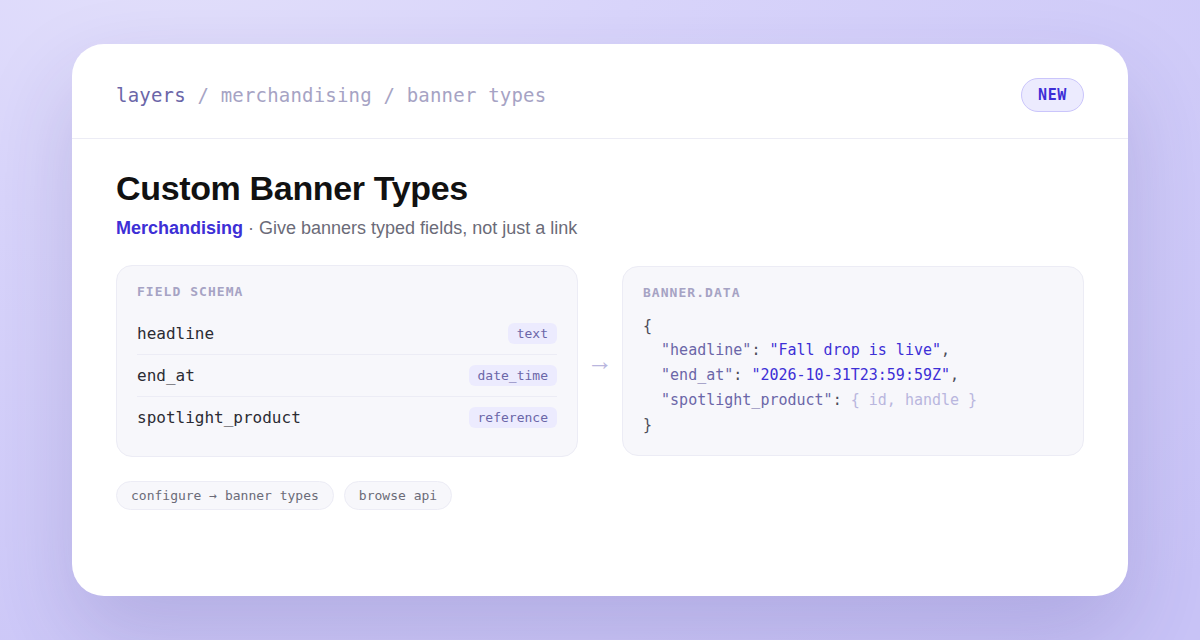
Custom Banner Types
Banners used to carry an image and, optionally, a link. Now you can define your own banner types in Configure → Banner Types, giving merchandisers typed fields to fill in — a headline, a countdown timestamp, a product or collection reference, and more — instead of just a click-through URL.
Every store keeps its existing Link type unchanged, so nothing you've already set up needs to move. Attach a custom type to a banner on any rule and its saved values ship on the browse response as a type slug and a data object your storefront switches on — product, collection, and variant references arrive pre-resolved to { id, handle } so your theme never has to guard against dead handles.