← Back to Changelog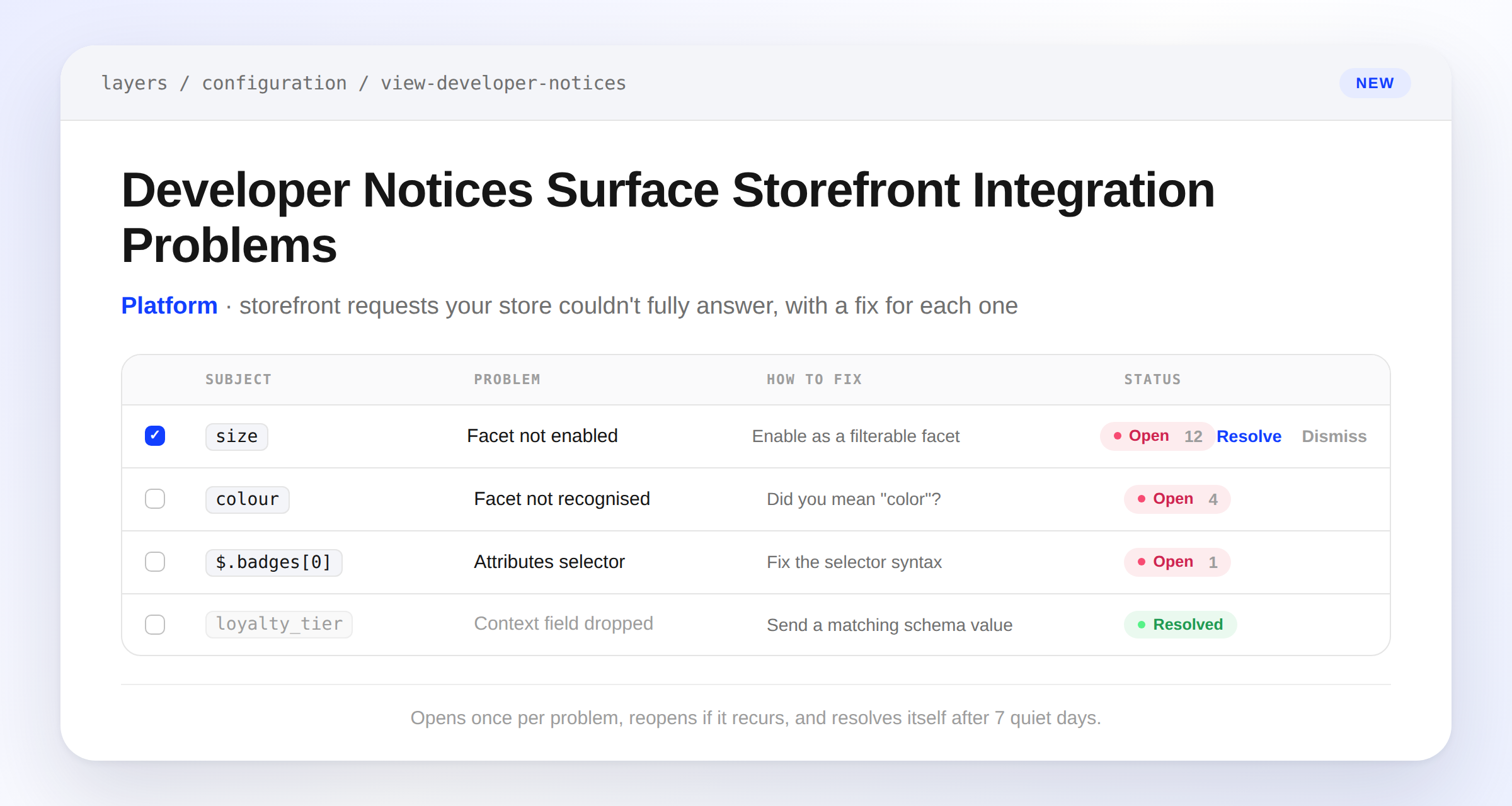
Developer Notices Surface Storefront Integration Problems
Layers now tracks storefront requests that ask for something your store can't answer — a facet code that isn't enabled, an attributes selector that can't be parsed, a context field that fails validation — and turns them into durable notices instead of silent log lines. Each notice explains exactly what was dropped and how to fix it, and repeated occurrences roll up into a single row so your team isn't flooded with duplicates.
A new notice sends one aggregated notification to your dashboard inbox, and you can resolve or dismiss notices individually or in bulk from Settings > Developer Notices. Resolved notices reopen automatically if the same problem recurs; open notices that go quiet for 7 days resolve themselves.