← Back to Changelog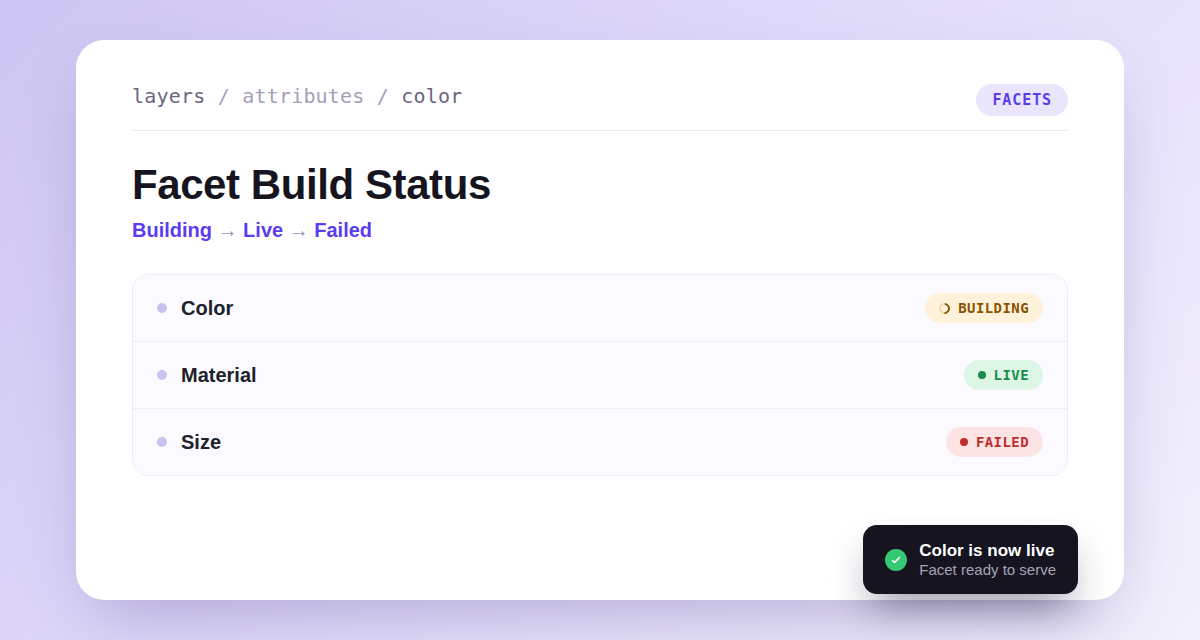
Facet Build Status
Enabling an attribute as a facet queues a build that prepares its values, and the dashboard now shows exactly where that build is. The Facet column and the attribute edit sheet display a live Building, Live, or Failed badge, and a toast confirms the moment a facet goes live — even if you've navigated elsewhere in the meantime. Failed builds can be retried right from the edit sheet.
The Facets API withholds a facet until its values are ready, then serves it immediately once the build completes, so you're no longer waiting on cache expiry to see a new facet appear. The store-operational-status and product-search-diagnostics MCP tools were updated too, reporting per-facet build phase and explaining why a requested facet code was withheld.