← Back to Changelog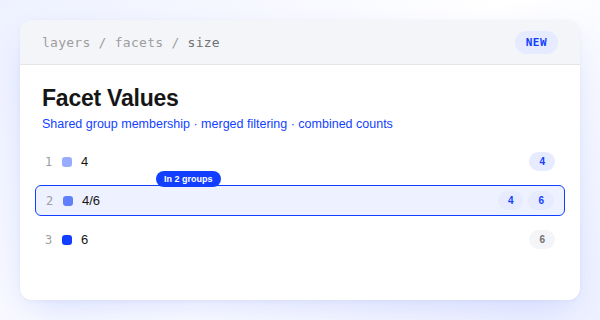
Facet Values in Multiple Groups
One value, every group it belongs to.
Facet values can now belong to more than one group at the same time. A split size like 4/6 can live under both a 4 group and a 6 group instead of forcing a choice between them. Filtering by either group matches every value assigned to it, and shoppers see accurate counts across all the groups a value belongs to.
Add the extra memberships from the group itself: open Edit group (or Create group) and check the value in the picker, which now lists values that already belong to another group. Unchecking a value there removes it from that group only, so its other memberships stay intact. Bulk actions from the values table still apply across every group a value belongs to.