← Back to Changelog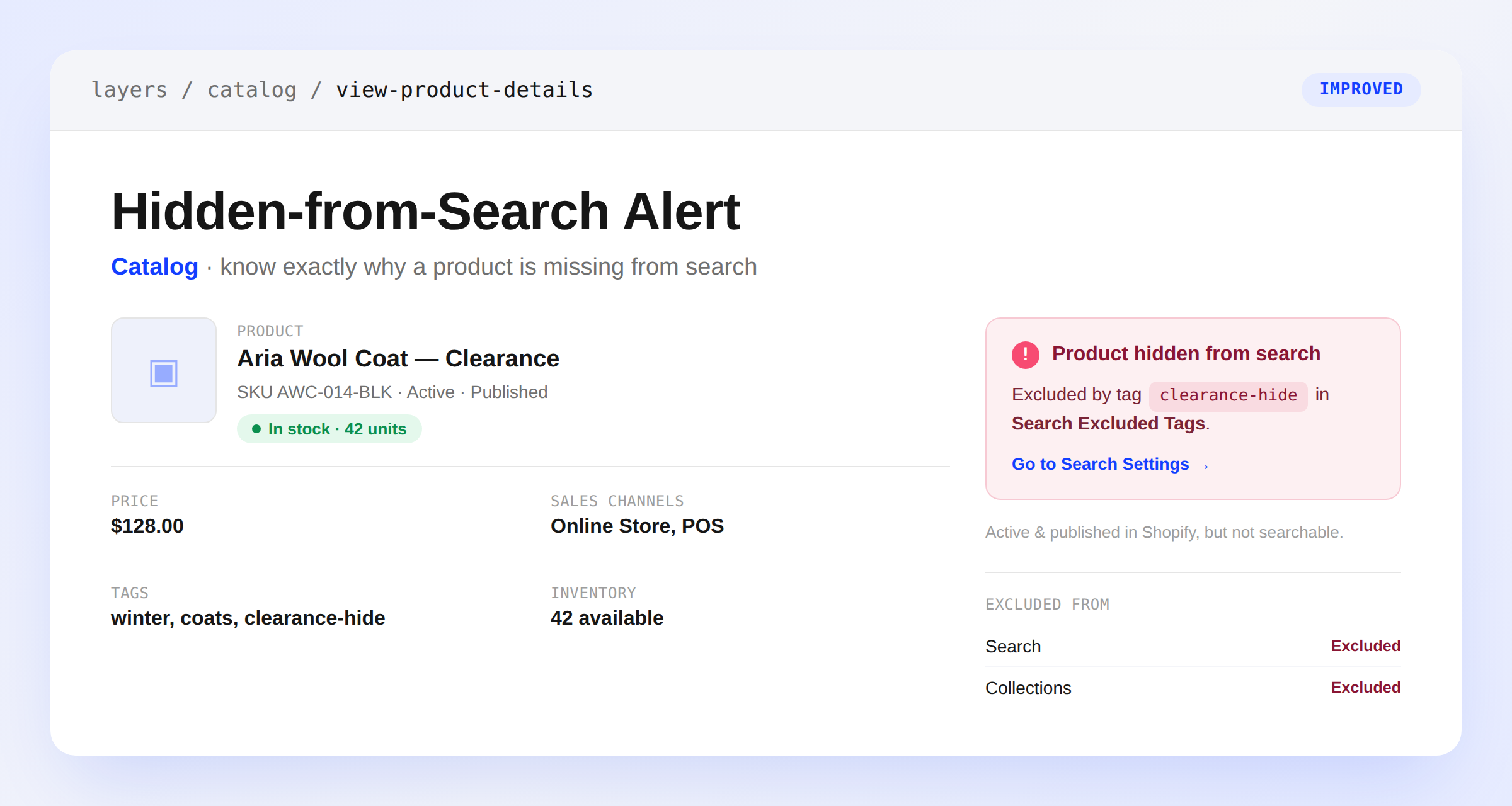
Hidden-From-Search Alert on Product Details
A product can be active and published in Shopify yet still be missing from search — deliberately, because of a tag or an SEO setting. The product details page now surfaces a Product hidden from search alert for exactly that case, naming the rule responsible: a built-in exclusion tag, a tag on your Search Excluded Tags list, or Shopify's "Hide from search engines and sitemap" option.
The alert only appears when a product would otherwise be searchable, so its absence means nothing is filtering the product out. If more than one rule applies, every one is listed. Clear the tag or setting and run Sync from Shopify to bring the product back into search.