← Back to Changelog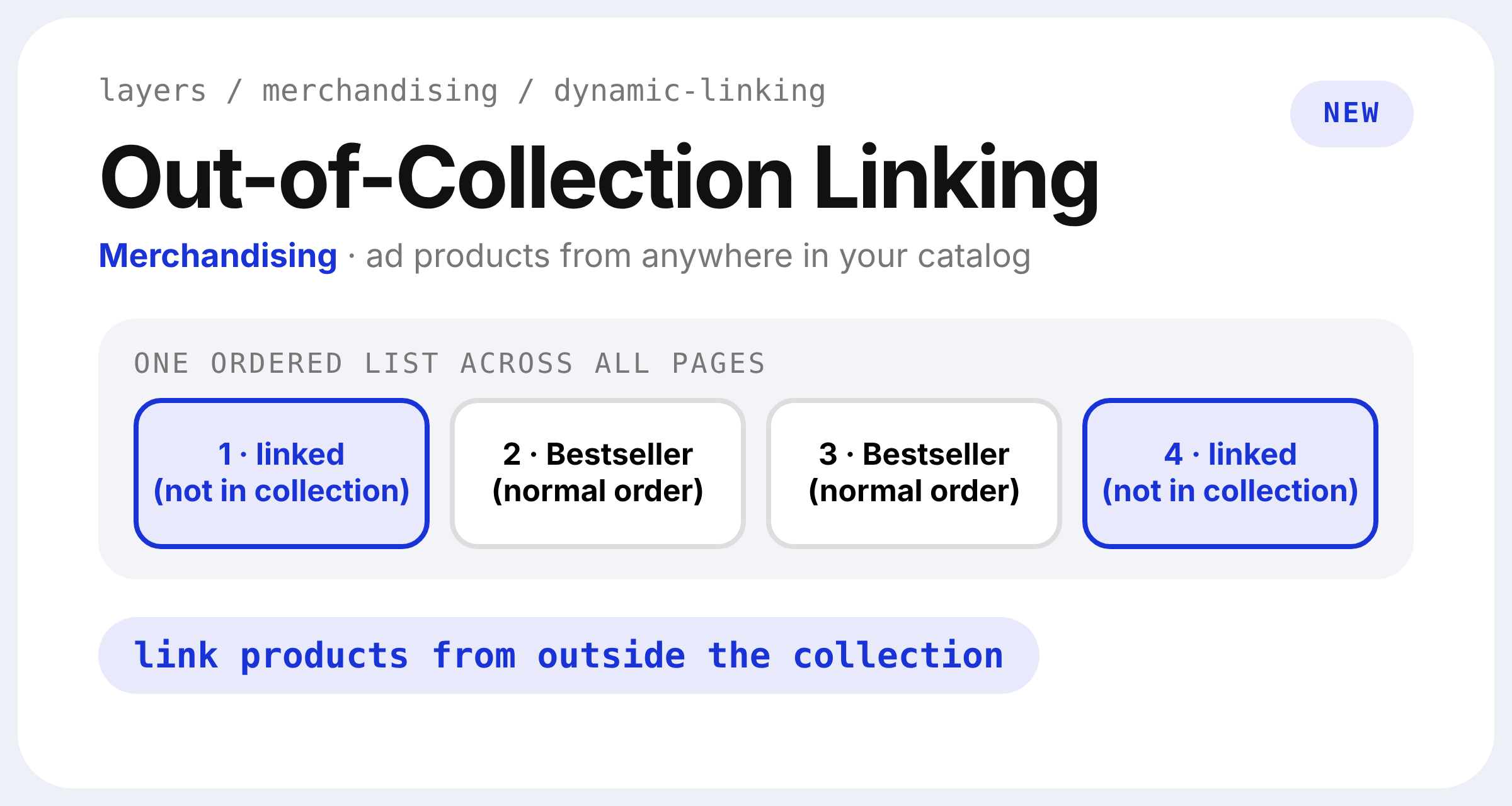
Out-of-Collection Dynamic Linking
Dynamic Linking can now feature products that aren't in the collection your ad points to. Turn on Allow Out-of-Collection Dynamic Linking under Settings → Developer → Response Options, then click Save. It's off by default.
Linked products from outside the collection follow the same order, offset and position rules. They count toward the total results, never repeat, and keep their place across pages. Filter options and counts still reflect only the collection's own products.