← Back to Changelog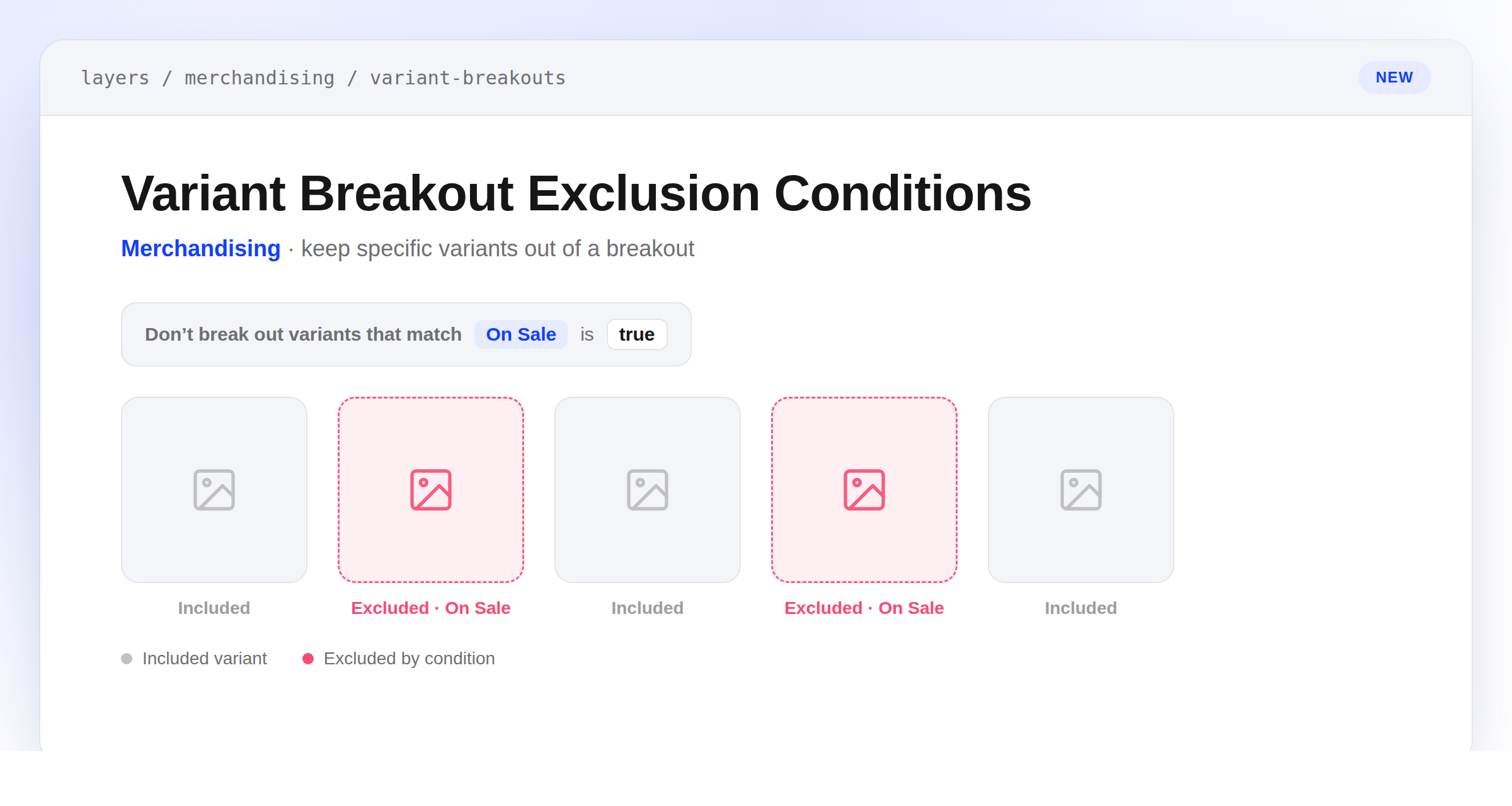
Variant Breakout Exclusion Conditions
Variant breakouts can now exclude variants that match a condition you define, so they never get their own tile — even while the rest of the option keeps breaking out normally. Add one or more rules against variant fields like price, compare-at price, inventory, or availability, combined with AND/OR, to keep a breakout from surfacing variants you'd rather leave grouped with their product.
A sibling variant still keeps its tile when another variant for the same option value is excluded, and if every variant for a value gets excluded, that value's tile disappears instead of rendering empty. Exclusions apply everywhere breakout tiles do — Browse, Search, blocks with variant targeting on, and facet counts.