← Back to Changelog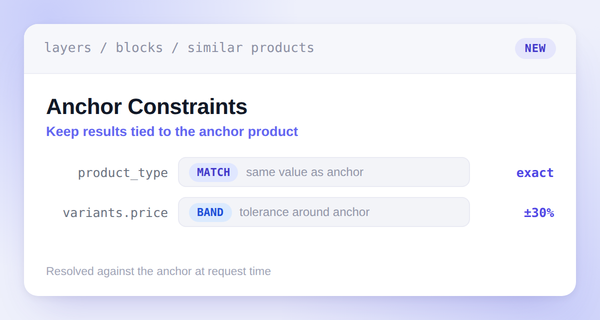
Anchor Constraints for Similar Products
Similarity alone can drift. A black dress and a pair of brown boots can look and read alike to a similarity model, even though no shopper browsing dresses wants boots showing up as a match.
Anchor constraints fix that. Add a rule to a Similar Products block requiring recommendations to share the anchor's product type, or to stay within a percent band of its price.
Layers resolves each rule against whichever product the shopper is viewing, so a ±30% price rule means something different for a $30 tee and a $300 jacket.
Configure constraints per block in the dashboard. Choose Match or Within % band for each rule, and preview shows the effect before you publish.