FEATURERuntime Statistics for FunctionsRead more
← Back to Changelog

Apply Merchandising Rules

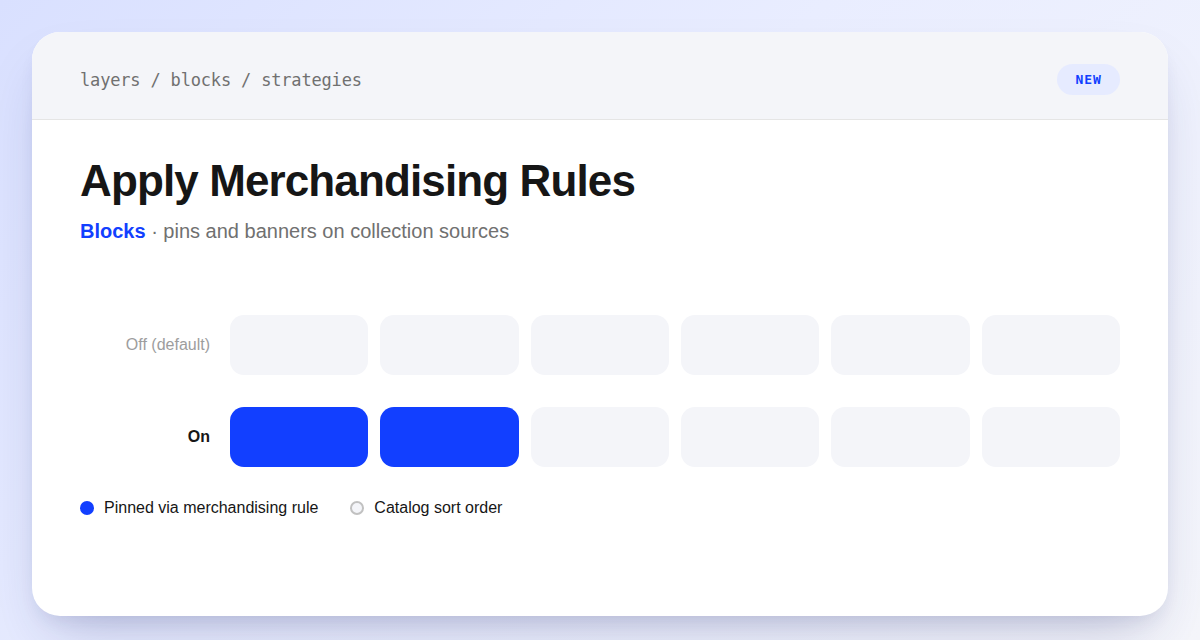
Apply Merchandising Rules toggle showing product tiles reordered with pinned items surfaced to the top

Collection blocks can now match the merchandising you've already set up.

Manual blocks that pull products from a collection have always skipped that collection's merchandising rules, returning raw collection contents in the configured sort order. A new Apply merchandising rules toggle lets a collection-sourced block inherit those effects instead — pinned products surface in the same positions, banners carry over, and other rule effects like sell-out deletion apply automatically. It's off by default, so nothing changes unless you turn it on.

Learn more

Subscribe to the changelog

Releases land wherever your team already reads.

Slack

Subscribe to changelog

1

Choose a Slack channel

Open the Slack channel where releases should land. Most teams use #product-updates.
2

Subscribe to releases

Paste this command into the Slack channel.

/feed subscribe https://www.uselayers.com/changelog/rss.xml
3

Approve the confirmation post

Approve the confirmation Slack post. From then on each release arrives as a message with its title, date, and link.