← Back to Changelog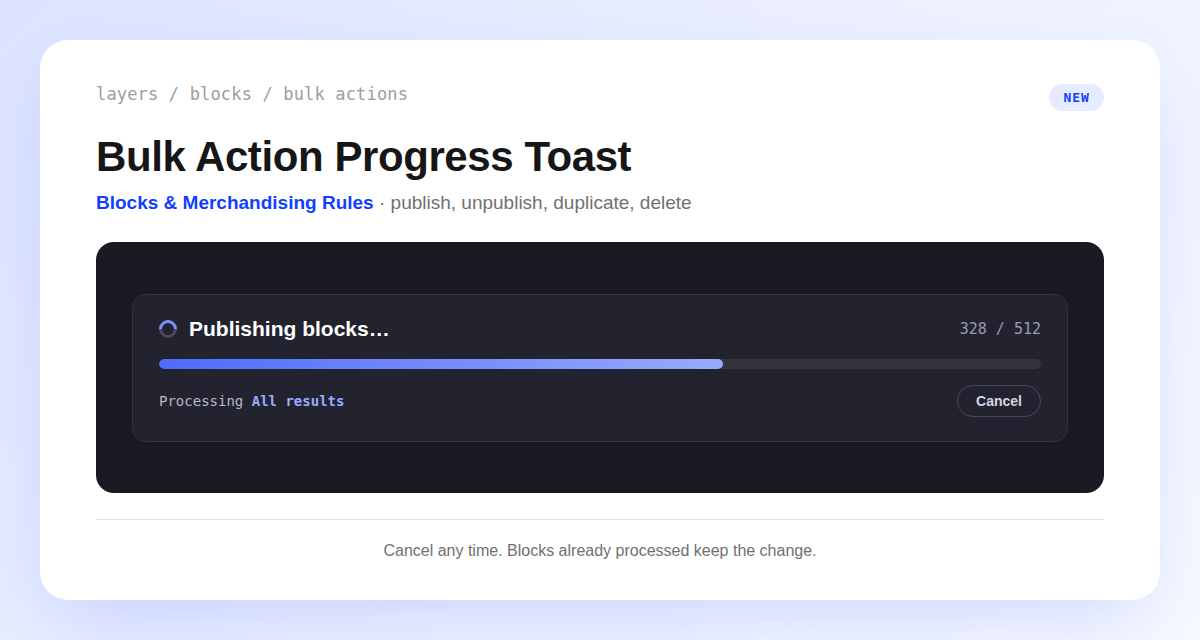
Bulk Actions Now Show a Progress Toast
Bulk actions on blocks (publish, unpublish, duplicate, delete) and merchandising rules (enable, disable, delete) used to flash a plain "queued" message when you ran them against All results.
You now get a progress toast instead, with a running count and a progress bar so you can see the job as it works through your selection.
Changed your mind partway through? Click Cancel on the toast. Whatever's already processed keeps the change, and the rest is left untouched.
If a job can't finish, the toast turns into an error and tells you what was saved before it stopped. Either way, the list itself still updates on your next refresh, not automatically.