← Back to Changelog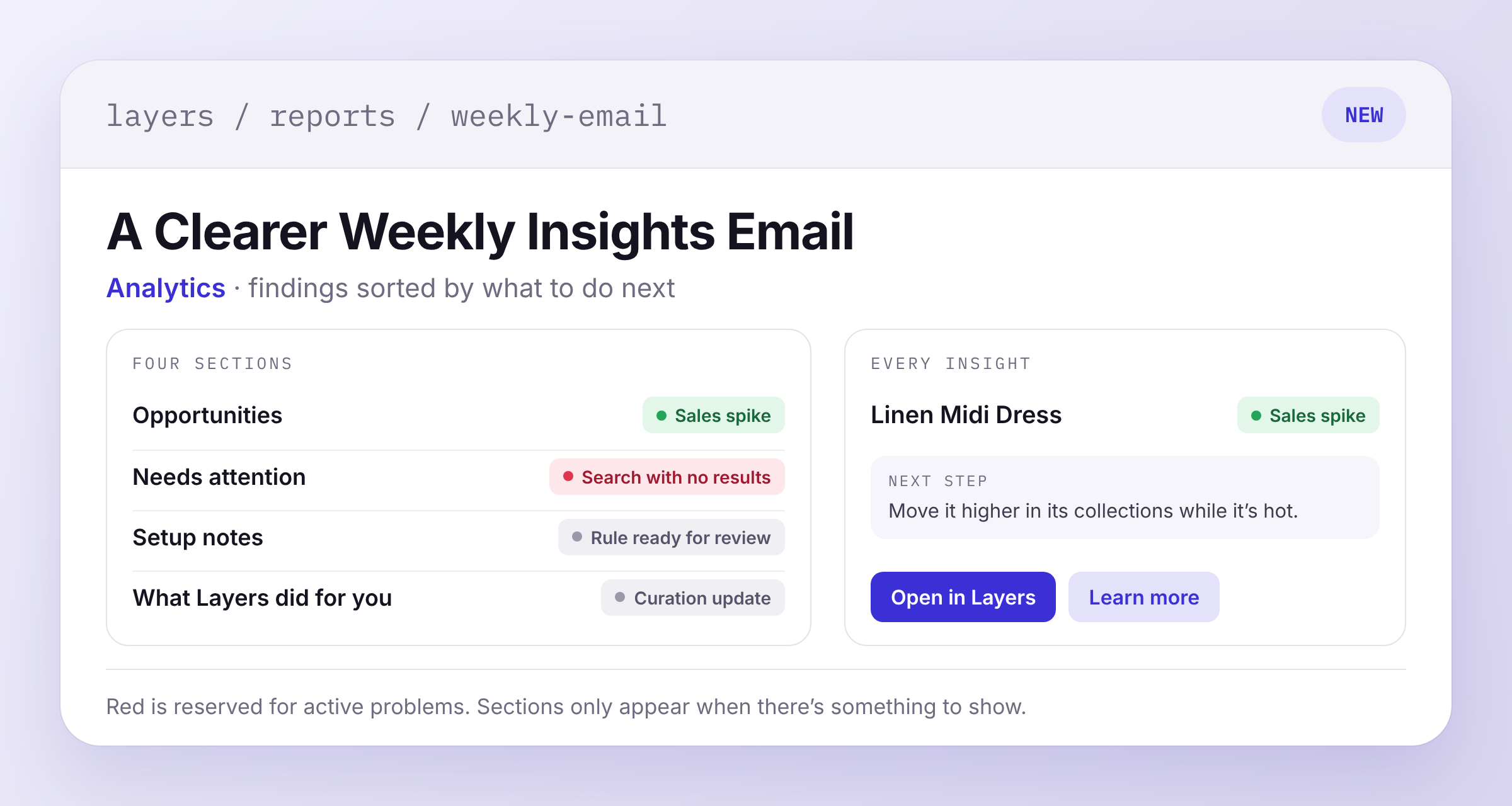
A Clearer Weekly Insights Email
Your weekly report email now sorts its insights into four sections: Opportunities, Needs attention, Setup notes, and What Layers did for you. A section only shows up when it has something in it, and setup notes stop at two.
Badge colors now tell you how to treat a finding. Red is saved for active problems, like a storefront block getting no requests. A sales spike gets a green badge, because more sales is an opportunity. Insights cards in the dashboard use the same colors.
Every insight also comes with a specific next step and two links. Open in Layers takes you to the product, rule, search, or dashboard page in question. Learn more opens the docs for that kind of finding.