IMPROVEMENTContent Search Now Returns Ready-to-Use URLsRead more
← Back to Changelog

Content Search Now Returns Ready-to-Use URLs

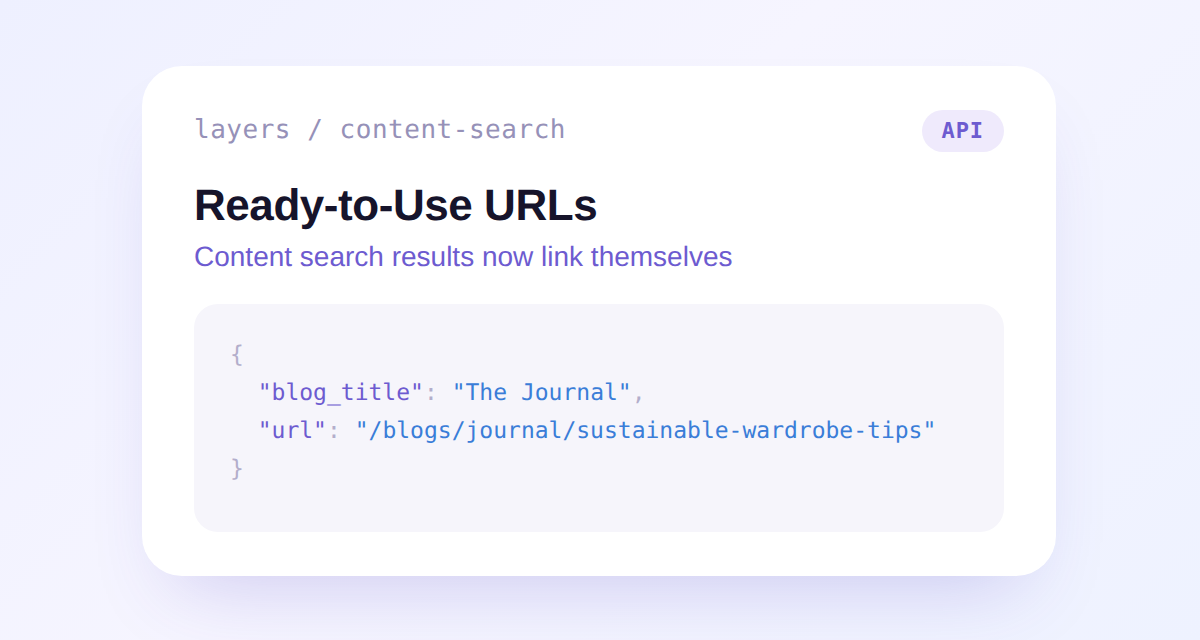
A content search result showing the new blog_title and url fields: blog_title set to The Journal and url set to /blogs/journal/sustainable-wardrobe-tips

Content search results now carry a direct storefront link, so you don't need to build one yourself. Articles return /blogs/{blog_handle}/{handle} and pages return /pages/{handle}.

Article results also include the parent blog's title, handy for a byline like "from The Journal" next to a result.

Both fields are null for an article until its blog data finishes syncing on our end. Existing integrations are unaffected.

Learn more

Subscribe to the changelog

Releases land wherever your team already reads.

Slack

Subscribe to changelog

1

Choose a Slack channel

Open the Slack channel where releases should land. Most teams use #product-updates.
2

Subscribe to releases

Paste this command into the Slack channel.

/feed subscribe https://www.uselayers.com/changelog/rss.xml
3

Approve the confirmation post

Approve the confirmation Slack post. From then on each release arrives as a message with its title, date, and link.