IMPROVEMENTContent Search Now Returns Ready-to-Use URLsRead more
← Back to Changelog

Facets With Too Many Distinct Values Turn Off Automatically

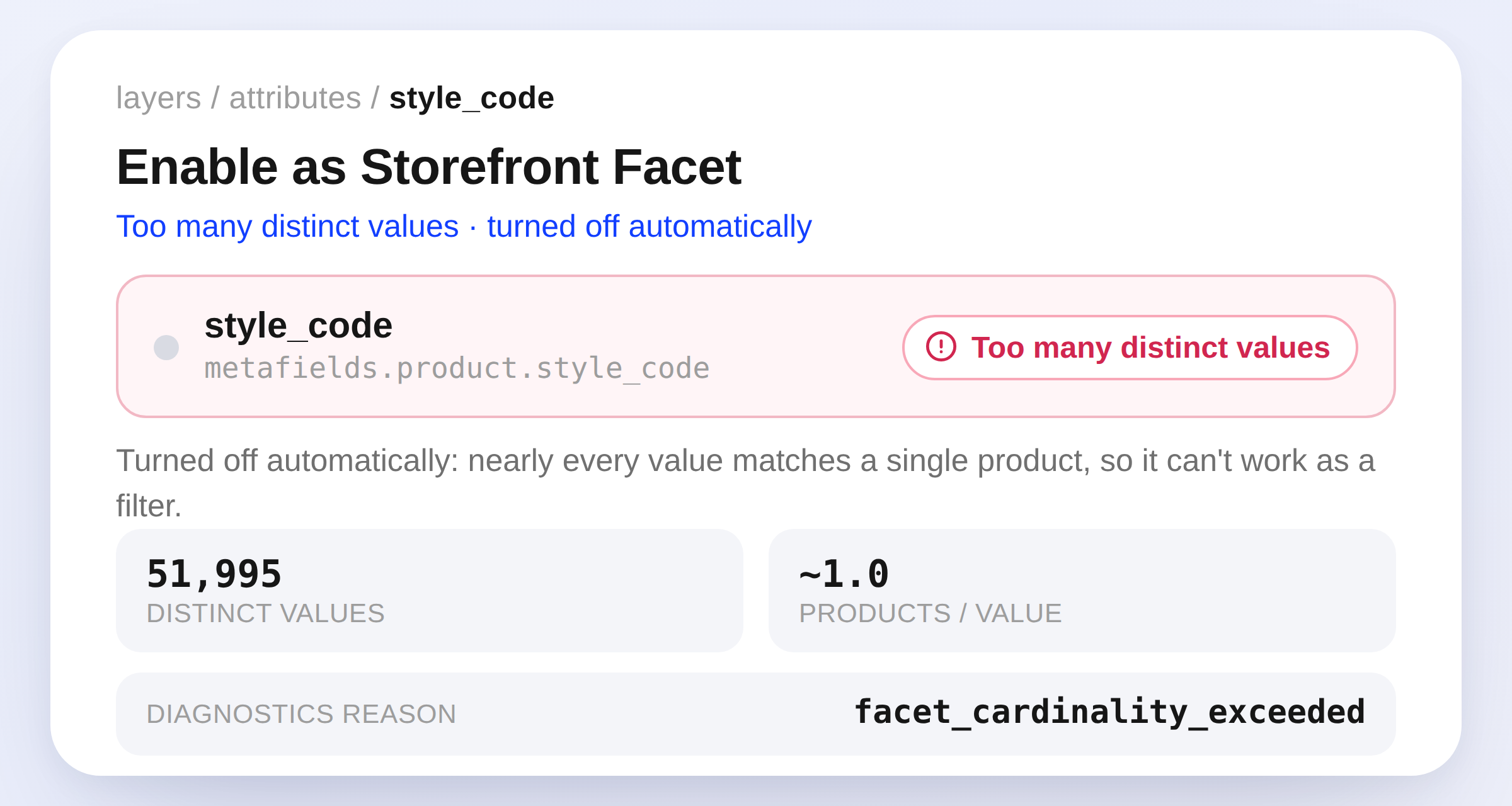
An attribute row for style_code showing a Too many distinct values status badge, stats for 51,995 distinct values and ~1.0 products per value, and the facet_cardinality_exceeded diagnostics reason

Layers now automatically turns off storefront facets whose values are really just product identifiers, like SKUs or SEO titles. It disables a facet when a channel has more than 10,000 distinct values, or 1,000+ values averaging under 2.5 products each.

When this happens, the dashboard shows a Too many distinct values status and the product-search-diagnostics MCP tool reports the drop as facet_cardinality_exceeded, so you always know why. Re-enabling queues a fresh build, and Layers disables it again if the values still trip the limits.

Learn more

ImprovementCatalogFacetsAPI

Subscribe to the changelog

Releases land wherever your team already reads.

Slack

Subscribe to changelog

1

Choose a Slack channel

Open the Slack channel where releases should land. Most teams use #product-updates.
2

Subscribe to releases

Paste this command into the Slack channel.

/feed subscribe https://www.uselayers.com/changelog/rss.xml
3

Approve the confirmation post

Approve the confirmation Slack post. From then on each release arrives as a message with its title, date, and link.