← Back to Changelog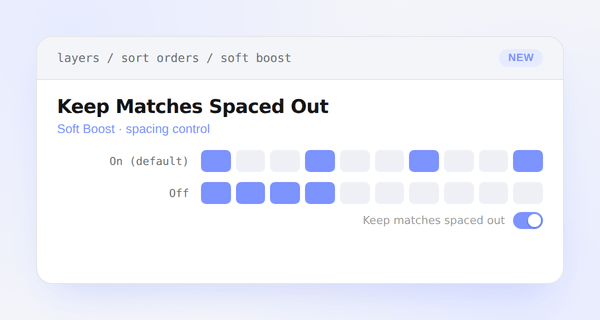
Keep Matches Spaced Out
Soft Boost sort expressions now have a Keep matches spaced out switch, in both Amplify strong performers and Lift matches into view modes.
It's on by default, which is the same behavior Soft Boost has always had: matches are interleaved with a minimum number of positions between them, so a run of boosted products never lands as an unbroken block. Turn it off and matches are allowed to clump together in pure score order instead — useful when a promotion should read as a solid block at the top of results rather than being sprinkled throughout.
When it's off, the Min positions between control is hidden, since spacing no longer applies.