← Back to Changelog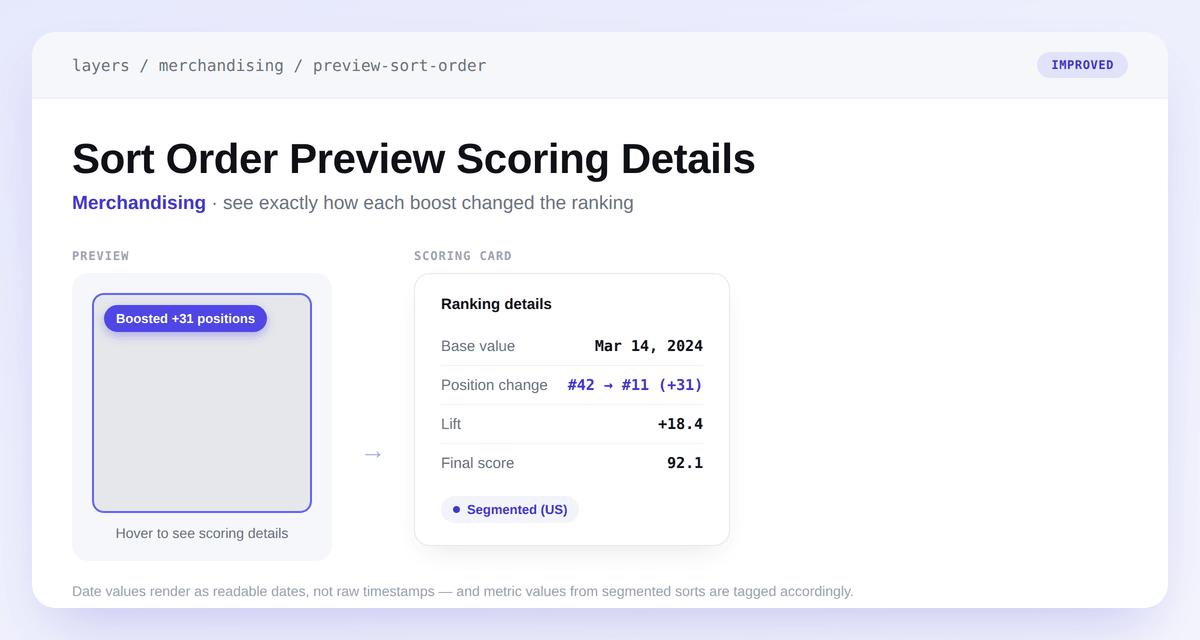
Sort Order Preview Scoring Details
The Boosted badge in the sort order preview now tells you what actually happened to a product, instead of a lift percentage that didn't reflect its real effect on ordering. It reads Boosted +N positions when a soft boost moved the product up in the ranking, or Boosted +<lift> when the boost changed the score without changing rank.
Hover any product to open a scoring card with the full breakdown: base value, position change (#42 → #11 (+31)), lift, and final score. Date attributes like published_at now render as readable dates instead of raw timestamps, and values from segmented sorts are tagged Segmented (...) so you can tell which segment a number came from.