← Back to Changelog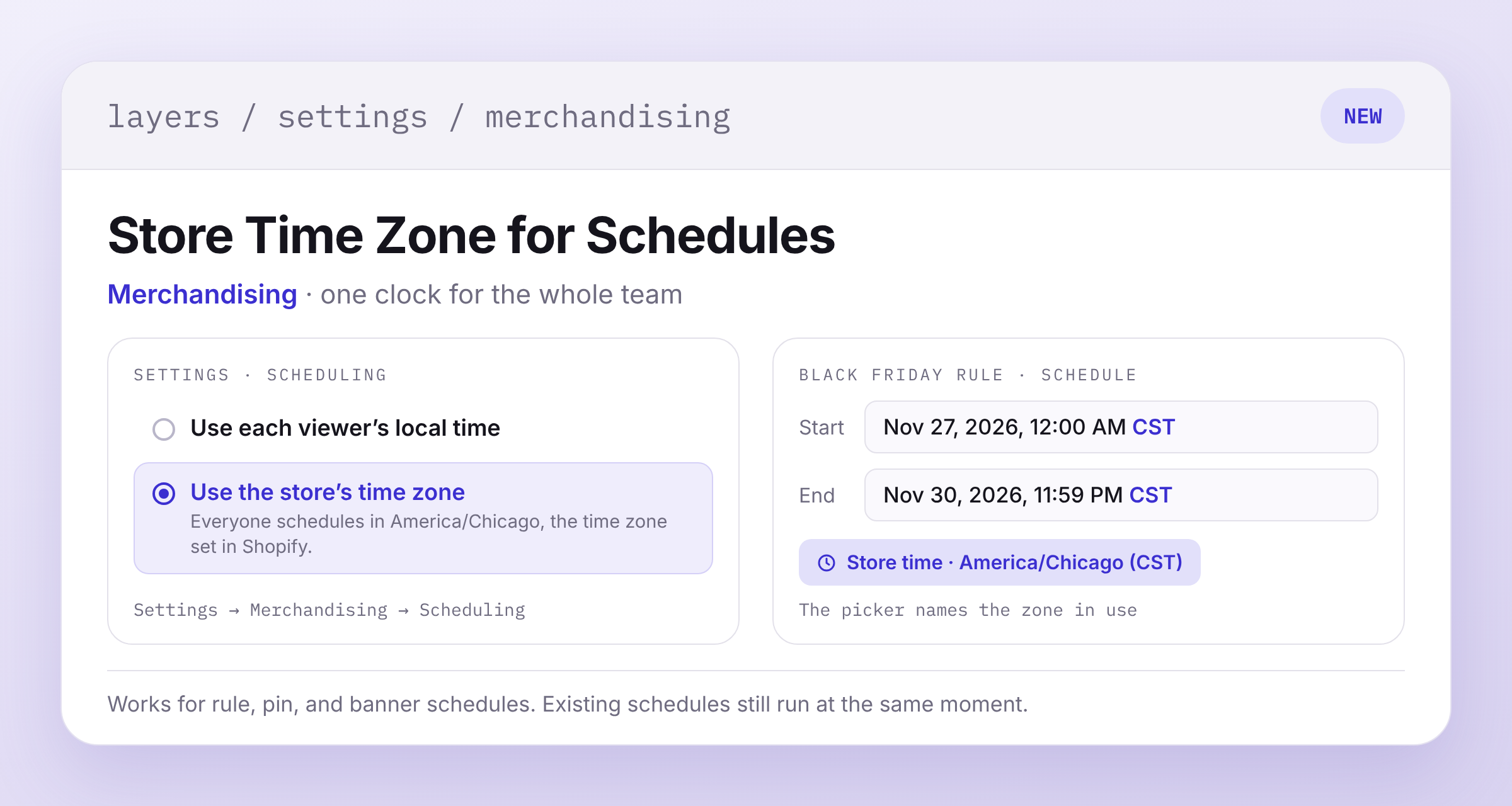
Store Time Zone for Merchandising Schedules
Schedule times follow your browser's time zone by default, so teammates in different time zones see different hours for the same rule.
To put everyone on the store's clock, go to Settings → Merchandising → Scheduling and select Use the store's time zone. Rule, pin, and banner schedules then use the time zone from your Shopify admin, and the date picker names it, like Store time · America/Chicago (CST).
Switching doesn't move anything you've already scheduled. A sale set for 9:00 AM Eastern still starts at that moment, and shows as 8:00 AM in a store on Central time.