← Back to Changelog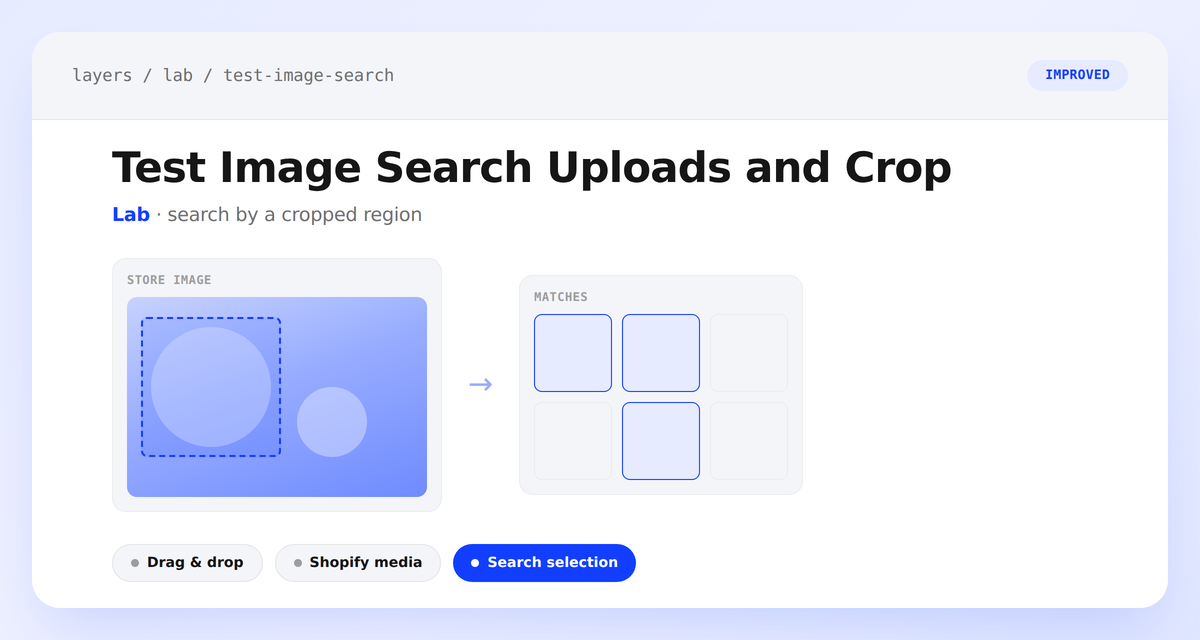
Test Image Search Uploads and Crop
Test Image Search in Lab now gives you more control over what you're actually searching by.
You can drag and drop an image straight onto the page, or click Shopify media to pick an existing image from your store instead of finding a file on your computer. Once an image is loaded, draw a crop selection over any part of it and choose Search selection to search by just that region — handy for lifestyle photos with more than one product, a busy background, or accessories you don't want influencing the match. Search full image still runs the search against the whole photo. HEIC and HEIF uploads are supported alongside JPEG, PNG, WebP, and GIF.