← Back to Changelog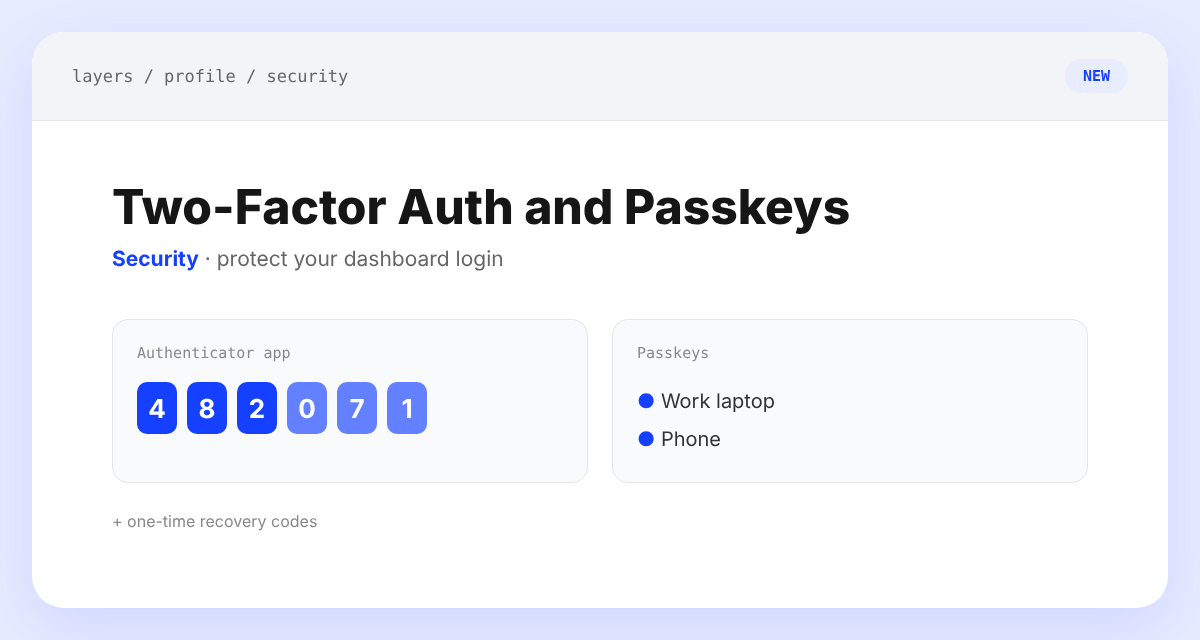
Two-Factor Authentication and Passkeys
You can now lock down your Layers login with two-factor authentication or a passkey.
Open Profile > Security to set up an authenticator app, save one-time recovery codes, and add passkeys that let you log in with your fingerprint, face, or screen lock. The login page now offers Log in with a passkey, a six-digit code step, and Use a recovery code if you lose your phone.