Unresolved Variant Breakout Targets
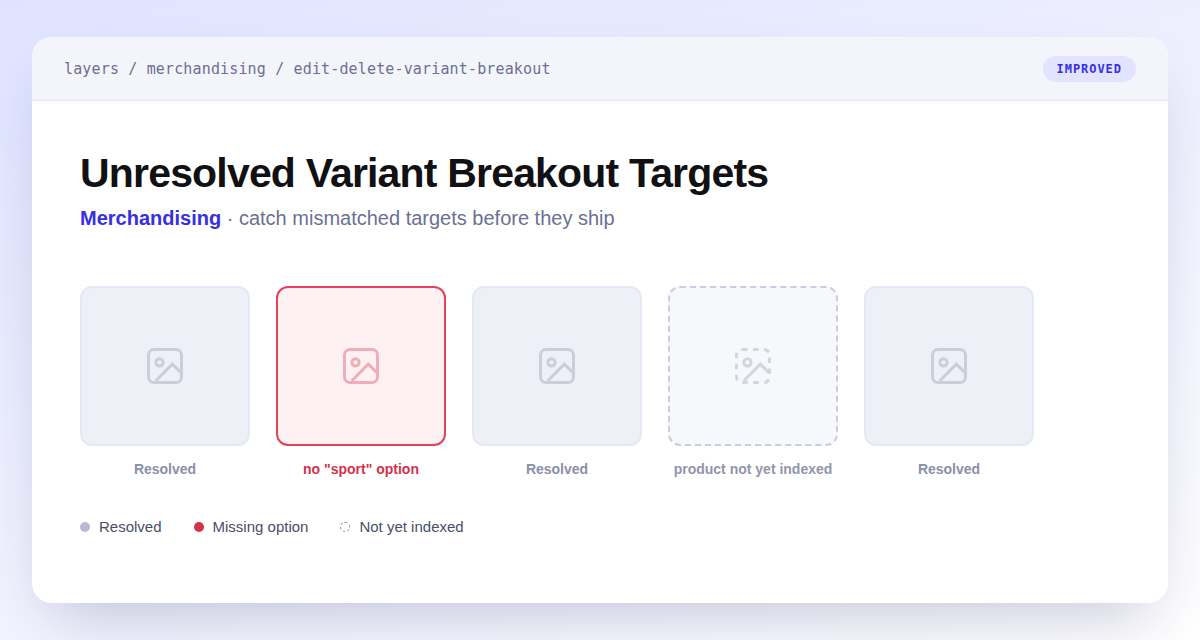
A variant breakout that targets a product without its option used to fail silently — the product just rendered as a normal tile, with nothing anywhere to say something was wrong.
Layers now checks every targeted product and flags the ones that can't break out. The breakout list gets a new Unresolved count column with a filter for Has unresolved and No unresolved, and the edit page shows an inline reason next to each affected product — no "<option>" option, product not yet indexed, only one value for this option, or product not found. Saving a breakout that targets an indexed product missing the option now returns a validation error instead of accepting it quietly; products still indexing are allowed through and re-checked automatically once they're ready.