← Back to Changelog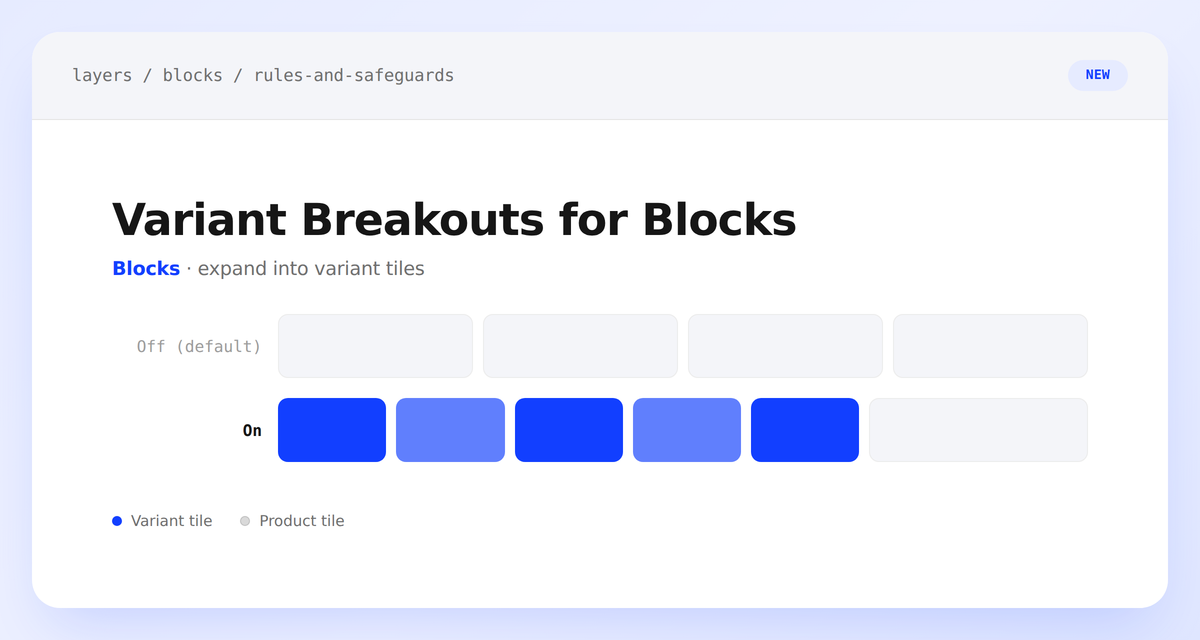
Variant Breakouts for Blocks
Variant breakouts have always expanded matching products into individual variant tiles on Browse and Search — now they can do the same inside recommendation blocks.
A new Target blocks toggle on any variant breakout extends its option-based tile expansion to block recommendations — similar products, interaction-based, manual, and every other strategy — respecting the breakout's existing product and collection targeting. It's off by default, so existing blocks keep returning standard product tiles until you turn it on. If you'd rather a specific block stay at the product level even when a breakout targets blocks, a new Disable Variant Breakouts safeguard on the block itself overrides it.