← Back to Changelog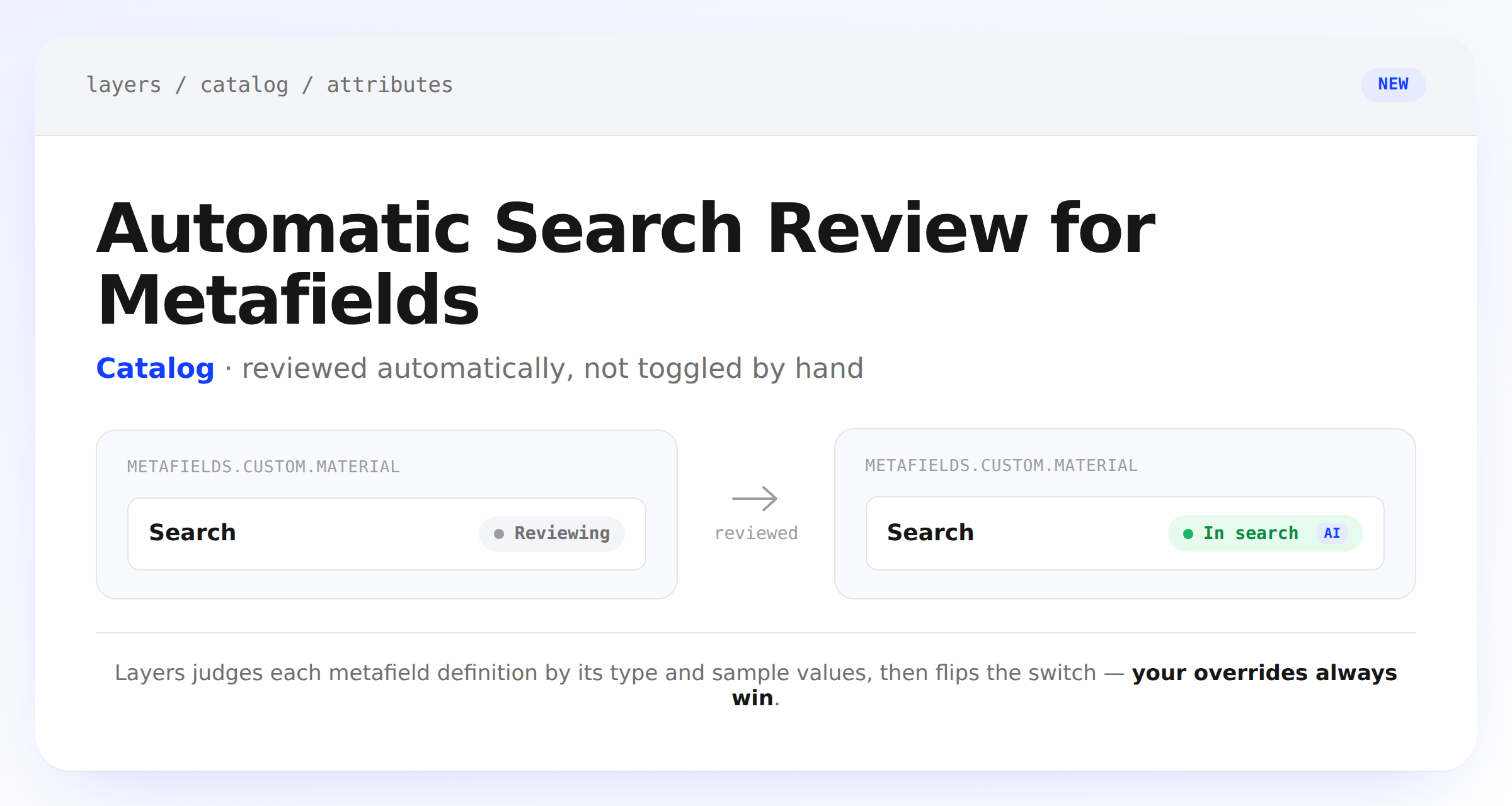
Automatic Search Review for Metafields
Metafield attributes used to start non-searchable and stay that way until someone opened the Attributes page and flipped the switch by hand. Layers now reviews each product and variant metafield definition on its own, using the definition's type and a sample of your catalog's values, and turns search on for the ones that read as shopper-facing text.
Every decision shows up as an AI or You badge on the Attributes page, and the Metafields & Metaobjects settings page gets a new Search column with the same status and an inline toggle. Change a metafield's search setting yourself and it sticks — Layers won't undo it on a later review.