Custom Context Fields
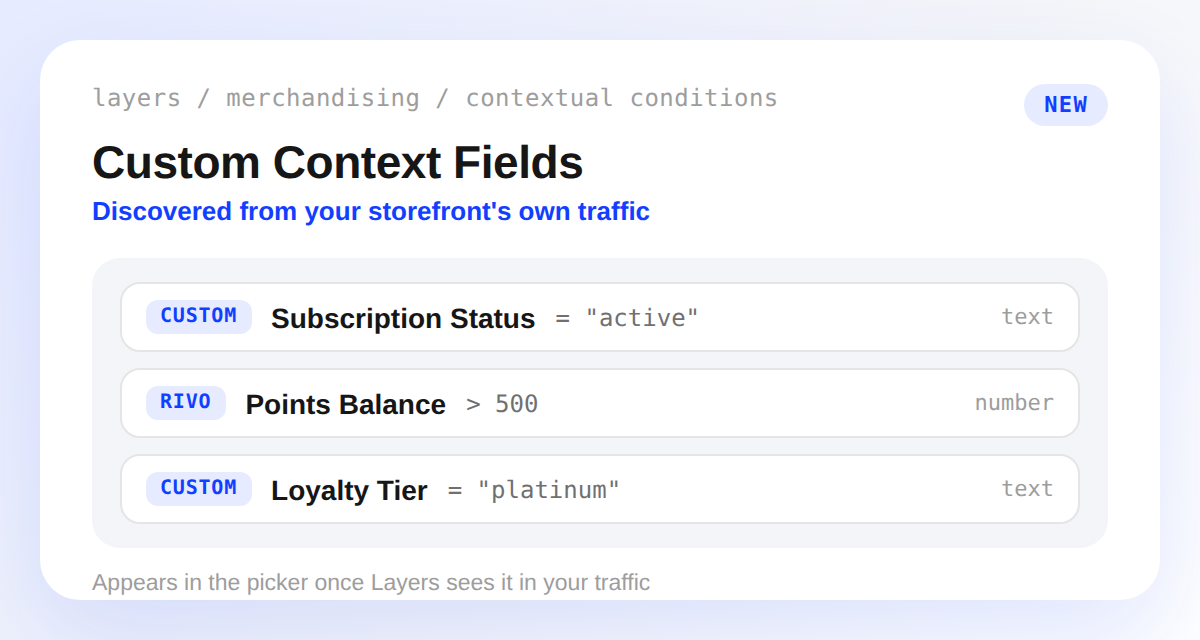
If your storefront sends custom parameters in context.custom, like a loyalty tier or subscription status, you used to have to type the field name and value blind. There was no way to see what values existed.
Layers now discovers those parameters automatically. Once a parameter shows up often enough in your traffic, it appears as a real field in the condition picker, grouped under Custom or under its integration's namespace.
Use discovered fields anywhere contextual conditions work: merchandising rules, banners, experiment audiences, sort orders, search rules, and blocks. Discovery runs once a day, so a newly added parameter becomes targetable the next day, not immediately.
Discovery now also scans your Search, Browse, and Blocks API traffic, not just Storefront Pixel events, so headless storefronts get it too. We also lowered the occurrence threshold from 25 to 5, so new parameters can show up in the picker sooner.