← Back to Changelog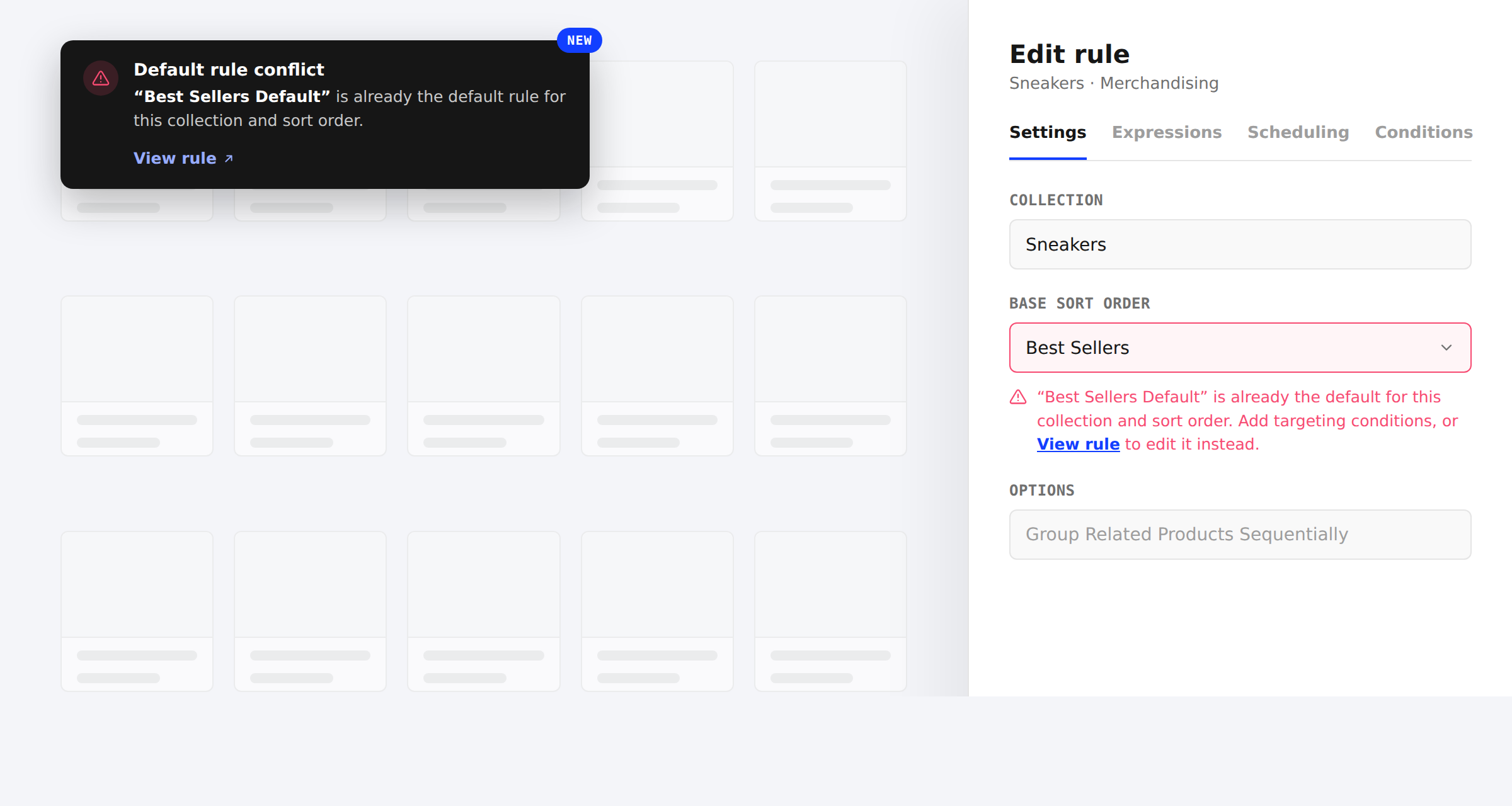
Default Rule Conflicts Now Named and Linked
Only one default rule — a rule with no targeting conditions — can apply per collection and sort order. Previously, picking a sort order that already had one only failed when you tried to save, with a generic error and no way to find the existing rule. Layers now catches this the same way it already catches overlapping conditions: a warning appears as you edit, naming the conflicting rule with a View rule link to jump straight to it.
Add targeting conditions to make your rule more specific, or follow the link to edit the existing default rule instead — either resolves the conflict before you save.