FEATURERuntime Statistics for FunctionsRead more
← Back to Changelog

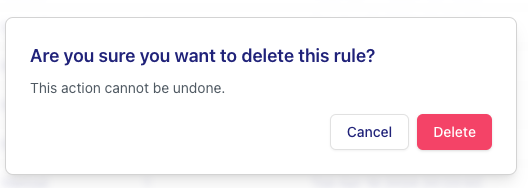
Improvements in the Visual Merchandising delete process

image.png

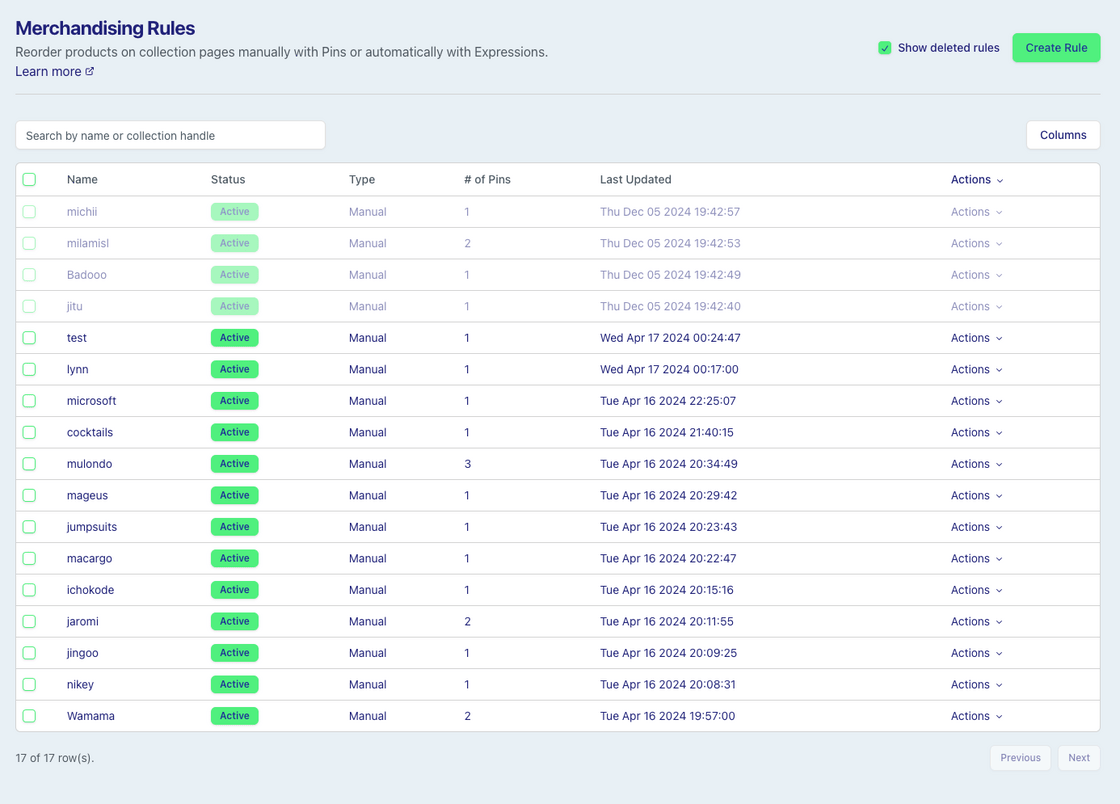
Merchandising Rules are now retained for 90 days after deletion and can be restored from the Merchandising list page.

Check the "Show deleted rules" option to see and search by deleted rules.

image.png

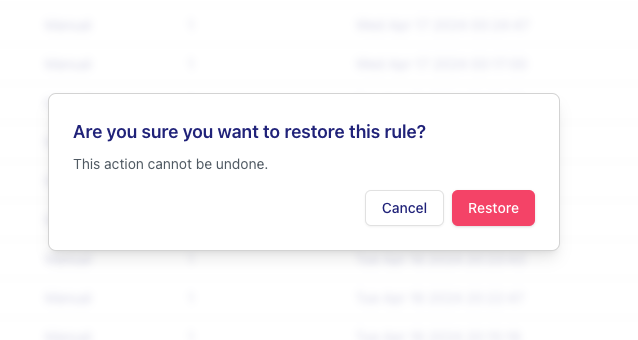
The "Restore" option in the actions dropdown can be used to recover the rule after it is deleted.

image.png

Upon restoration a rule is automatically disabled so it can be edited before being re-enabled.

Subscribe to the changelog

Releases land wherever your team already reads.

Slack

Subscribe to changelog

1

Choose a Slack channel

Open the Slack channel where releases should land. Most teams use #product-updates.
2

Subscribe to releases

Paste this command into the Slack channel.

/feed subscribe https://www.uselayers.com/changelog/rss.xml
3

Approve the confirmation post

Approve the confirmation Slack post. From then on each release arrives as a message with its title, date, and link.