← Back to Changelog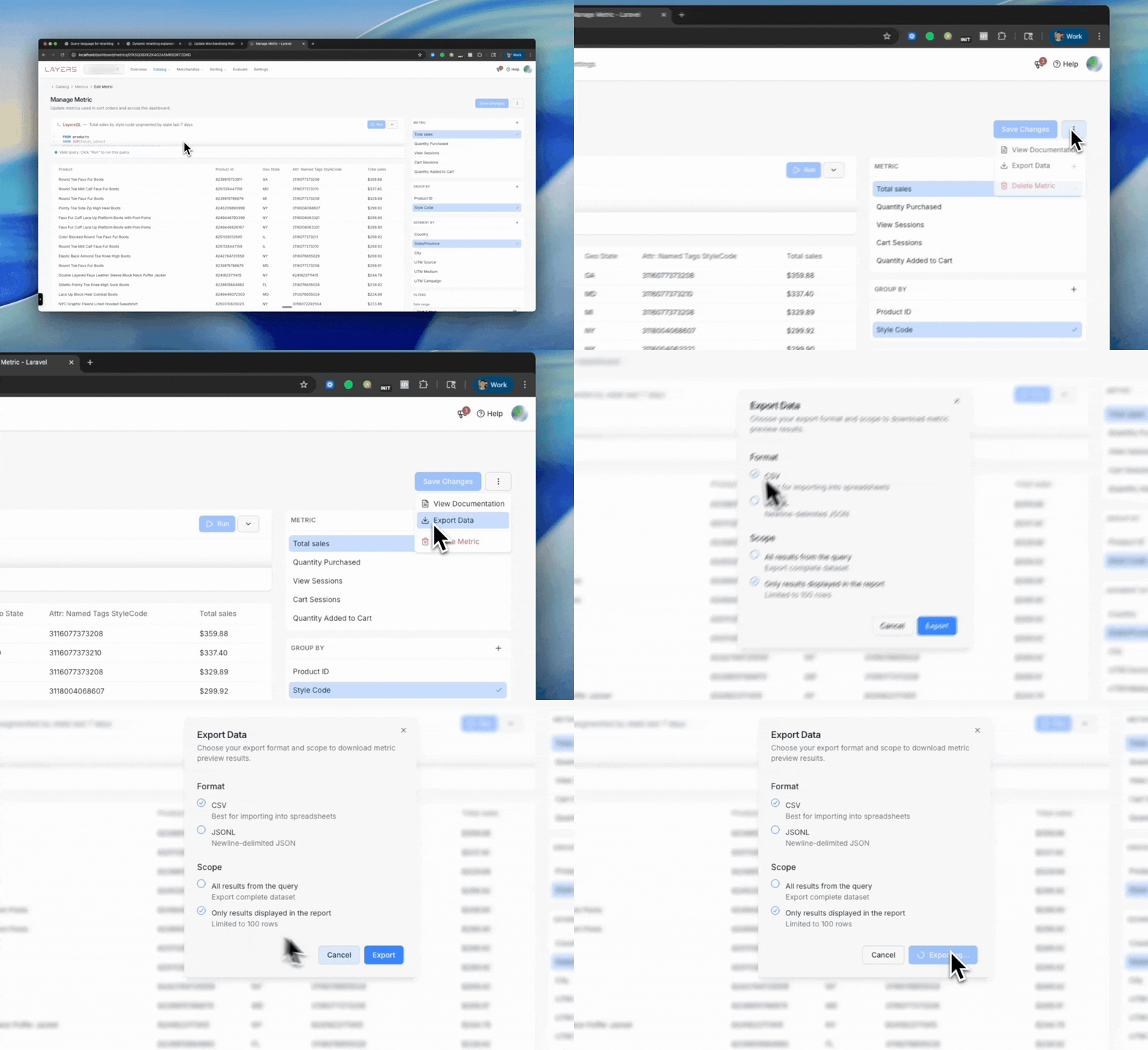
LayersQL: Export your metric results
You can now export the results of any LayersQL metric directly from the Metrics editor. This makes it easier to audit calculations, share results with your team, and work with the data outside of Layers.
What’s new
- A new “Export” option is available when running a LayersQL query
- Exports include all grouped, segmented, and filtered results exactly as shown in the table
- Supports large result sets and all metric types (totals, averages, ratios, custom expressions, etc.)
- Ideal for QA, merchandising analysis, BI workflows, and metric debugging
This update makes LayersQL not only a powerful metric engine for sorting and personalization, but also a flexible tool for reviewing and validating the underlying data.