← Back to Changelog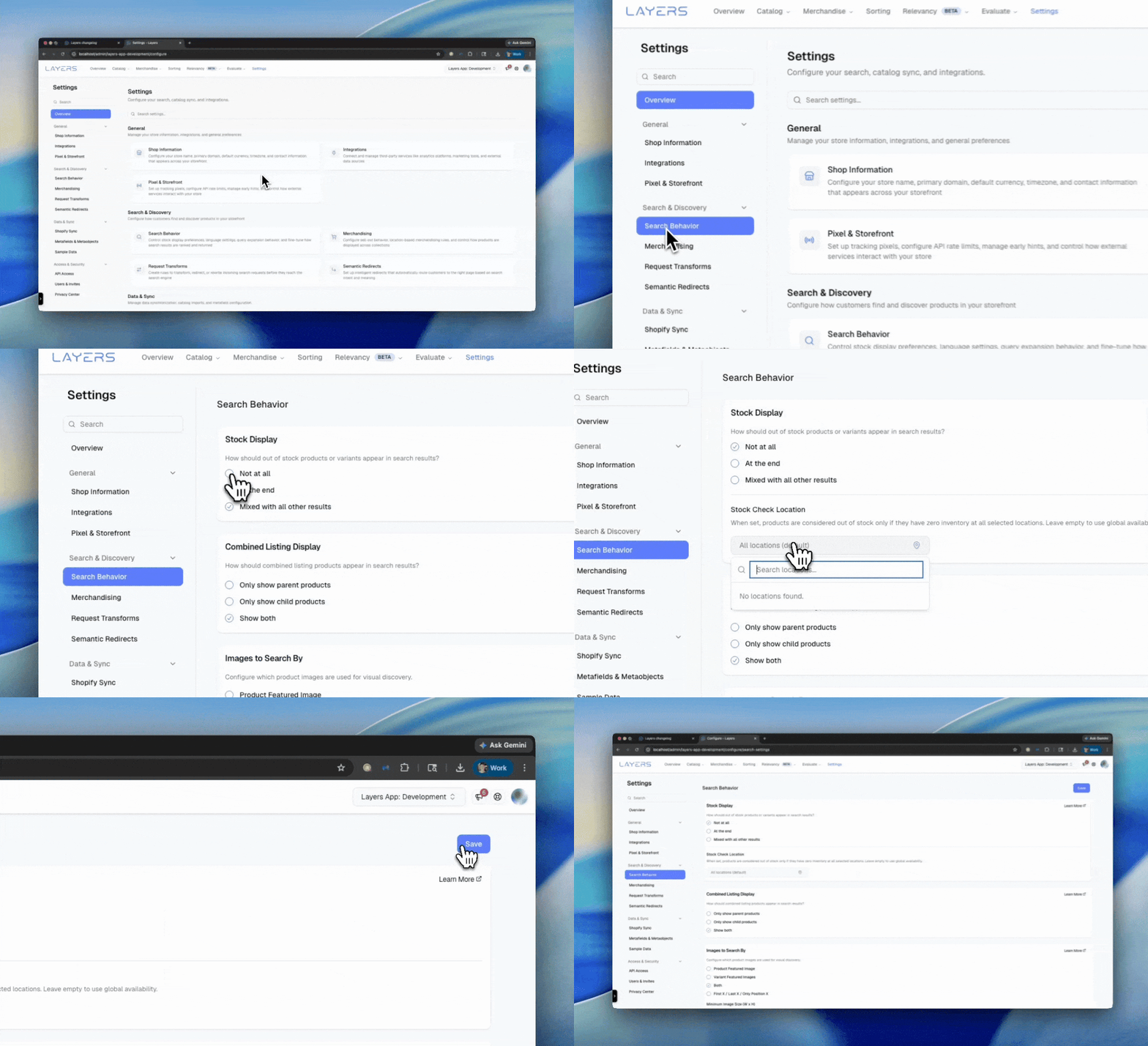
Pick Locations for Inventory in Search
Control which warehouse or store locations determine stock visibility in search results.
When you configure out-of-stock product visibility to hide or demote sold-out products, you can now select specific Shopify locations to check against instead of relying on global availability. Only inventory at the locations you choose is considered — a product is in stock if it has inventory at any one of your selected locations.
- Regional control — Evaluate stock at your primary warehouse and ignore retail or secondary locations
- Flexible selection — Search locations by name, city, country, or ID
- Easy to revert — Clear all selections to return to global availability (the default)
Configure it in Settings > Search Behavior under the stock display options.