← Back to Changelog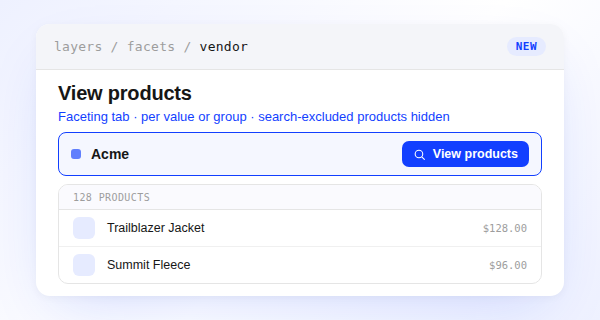
View Products Behind a Facet Value
You can now see exactly which products a filter option covers without leaving the Faceting tab. Open the three-dot menu on any facet value or group and select View products to open a dialog with the familiar catalog product table, scoped to that value — or, for a group, the union of everything in it.
The list only includes products in your store's searchable set, so it always matches what shoppers can actually filter to on the storefront. Use it to confirm what a value matches before you group, rename, or hide it, or to spot-check why a count looks off.
The values table also replaced its Visibility column with an inline Hidden badge next to each hidden value's name.