← Back to Changelog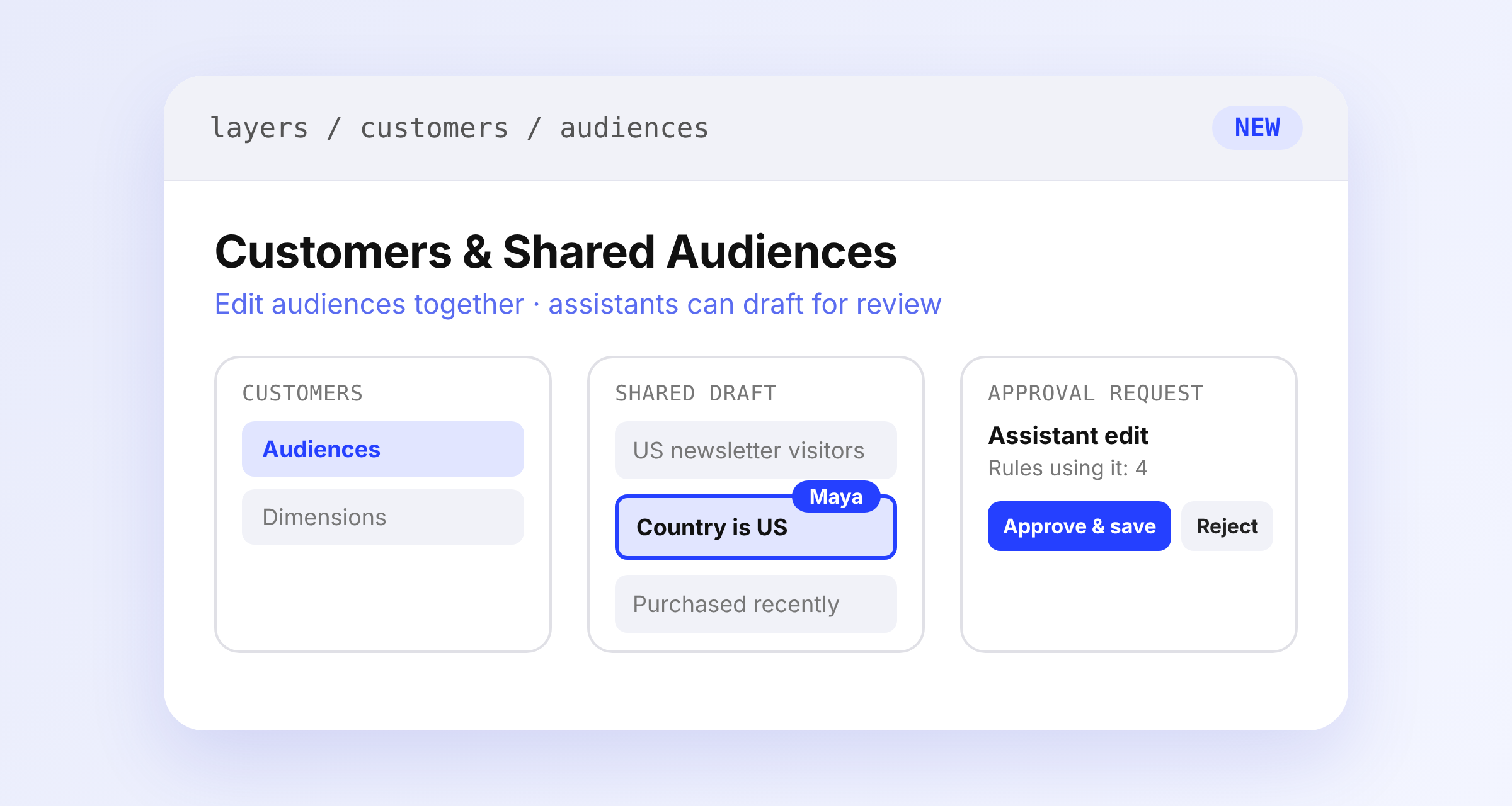
Customers Menu and Collaborative Audiences
Audiences and Dimensions now sit under a new Customers menu instead of Settings. Old links redirect, and Audiences no longer needs to be enabled for your store.
Audiences also join real-time collaboration. You and your teammates share one live draft of the name, conditions, and SegmentQL, with field locks, cursors, and comments. A new Editors column shows who is working on each audience.
AI assistants can now list, create, estimate, and delete audiences through MCP, and draft edits for your review. Nothing changes for shoppers until you choose Approve & save. Check Rules using it first, since saving updates every rule that references the audience.