← Back to Changelog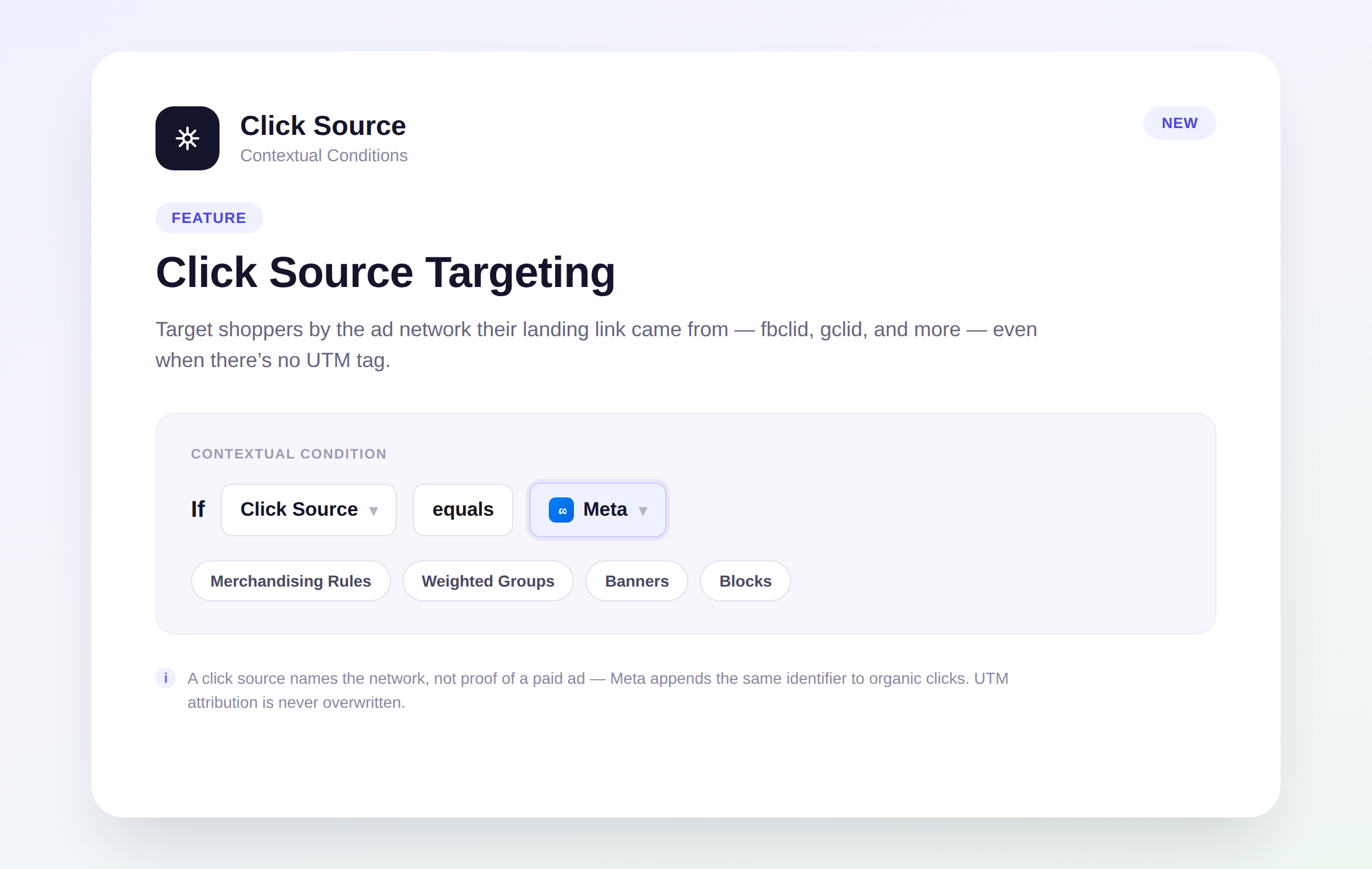
Click Source Targeting
Layers now recognizes the click identifiers ad networks and email/SMS platforms append to landing links — fbclid, gclid, Klaviyo's _kx, and more — and derives a Click Source you can target and segment by, right alongside your existing UTM fields. Shoppers who click an untagged Meta or Google ad are now targetable as arriving from that network, with no extra tagging on your end.
Use Click Source in contextual conditions to merchandise differently by network, or as a Marketing filter field when building weighted groups. It only ever names the network, never a specific ad, and it never overwrites your UTM attribution — Meta, for example, appends its identifier to organic clicks too, so a match confirms the platform, not a paid campaign.