Combined Listing Families
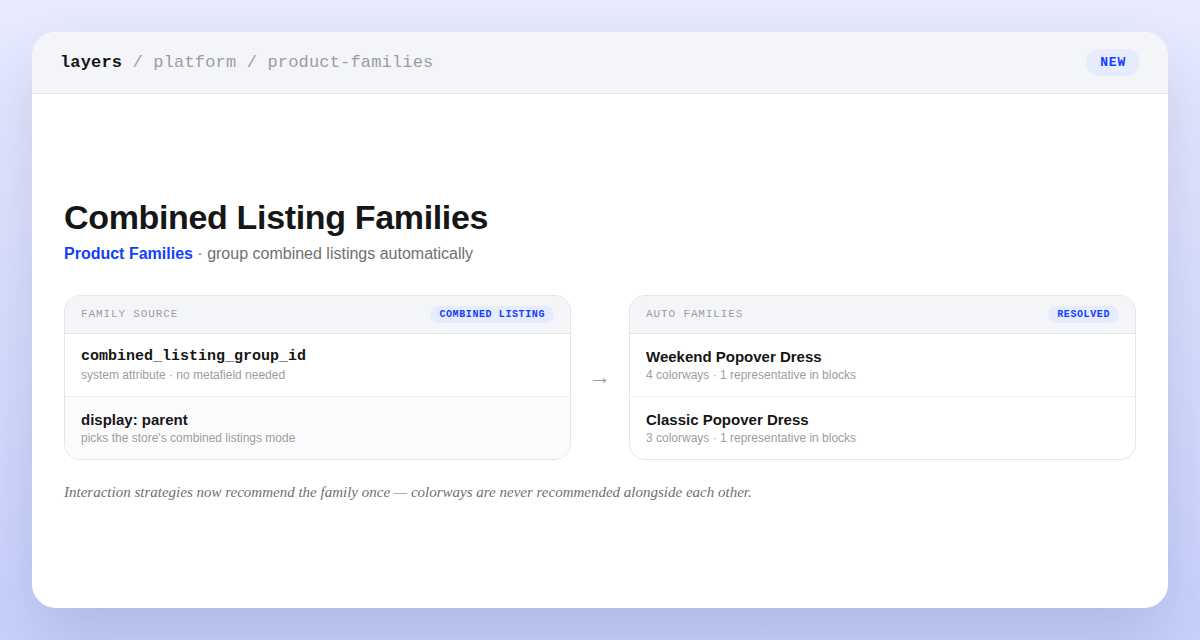
If your catalog uses Shopify combined listings, Layers can now group each combined-listing parent and its child products into a single product family automatically — no metafield or computed attribute required. Turn it on from the new Combined Listing Group option in Product Families settings, and Layers backfills existing products the moment you save.
Interaction-based block recommendations are family-aware once you do: behavioral signal from every colorway is combined at the family level, siblings are never recommended alongside each other, and each family surfaces a single representative that matches your combined listings display setting. Changing that display setting recomputes recommendations in the background, so representatives stay in sync.