← Back to Changelog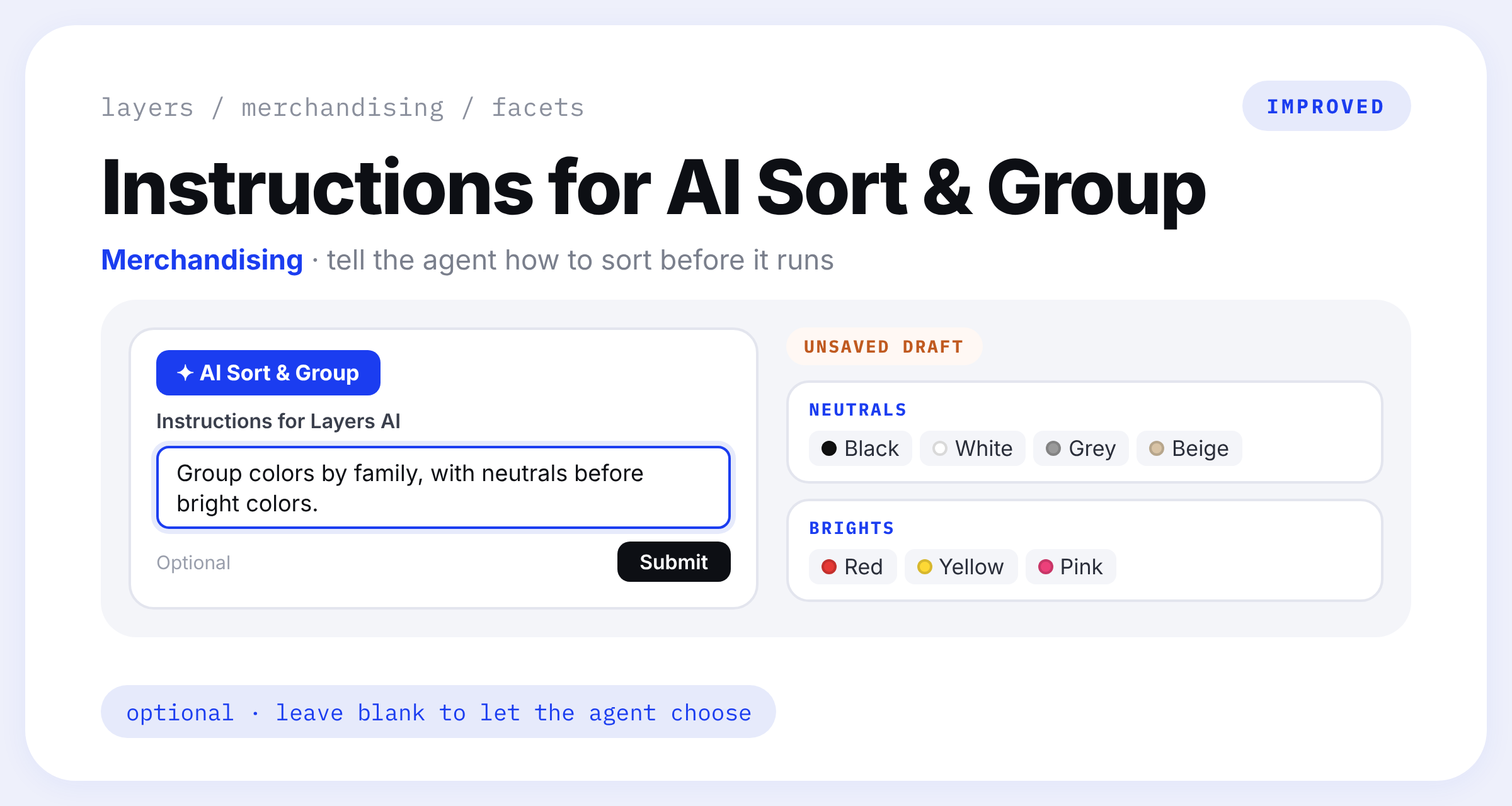
Instructions for AI Sort & Group
Click AI Sort & Group on a facet and you now get a field for Instructions for Layers AI. Type something like "Sort sizes from smallest to largest" or "Put sale colors at the end", then click Submit.
Leave it blank and the agent picks the ordering and groups itself. Either way the result lands as an unsaved draft, so nothing reaches your storefront until you click Save.