Photographed Together
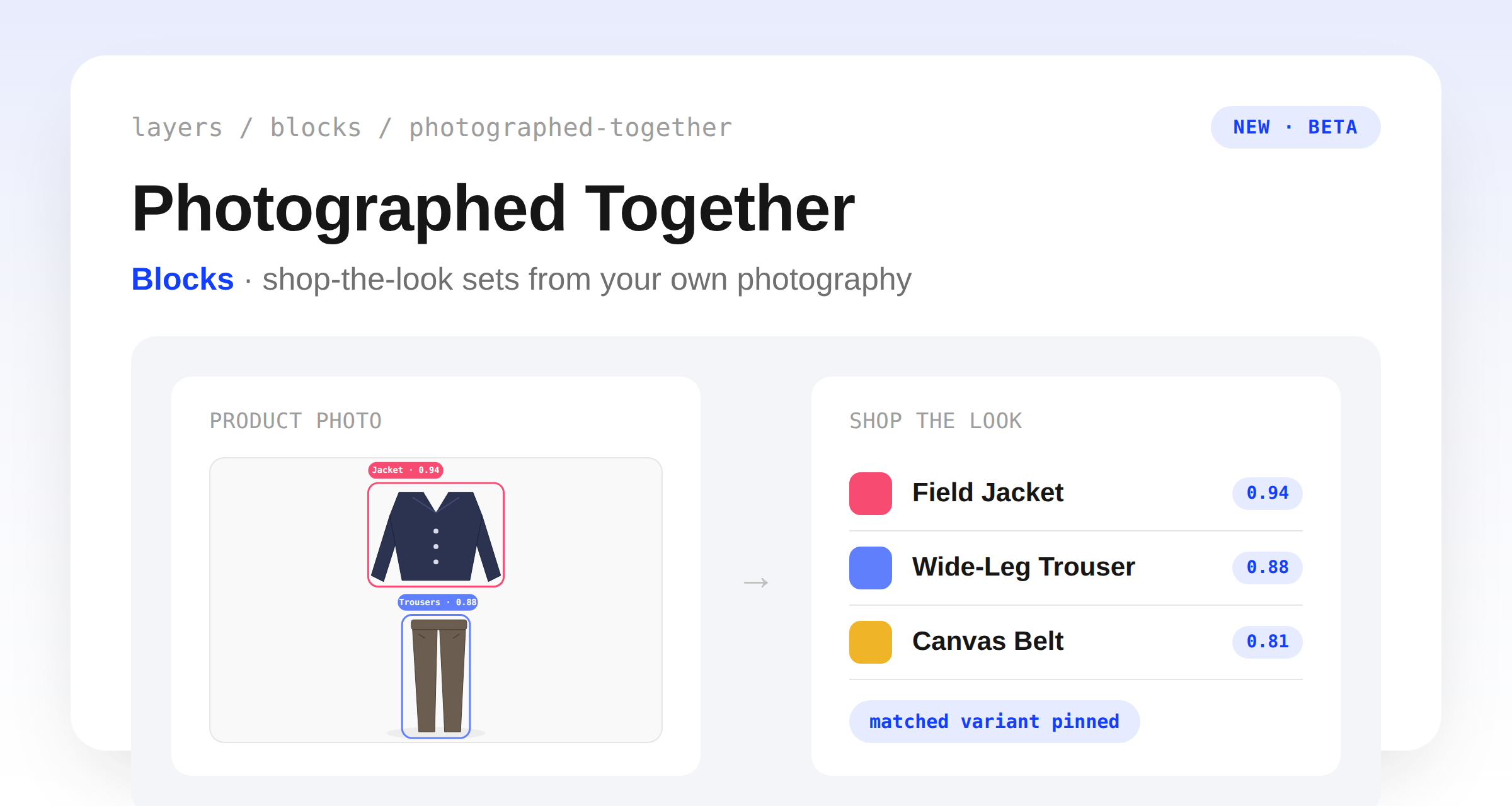
Product-anchored blocks can now serve "shop the look" sets built entirely from your own product photography. The new Photographed Together strategy runs your images through garment detection, matches the companion pieces styled in each shot back to products in your catalog, and serves them as a set — grounded in styling decisions your team already made at the shoot, not in behavioral or visual similarity.
Matched colorways are pinned as each product's variant in the response, so the storefront can show the exact item the photo shows, and passing the shopper's selected variant scopes the set to that variant's own photography when it has any. The strategy is in beta and appears in the block editor's strategy selector only for stores with image detection enabled — contact Layers support to turn it on.